

QUADOA® Learning Center
Step-by-step articles for everything you can do in QUADOA® Optical CAD, from your first lens to complete design examples. Every topic has a video tutorial and a step-by-step article. Pick a topic to go straight to it, or open a category for a short summary of each topic.
No articles found. Try another word, or show all articles.
Getting started
Your first lens, your first ray trace and the user interface: the basics to start working with QUADOA® within a few hours.
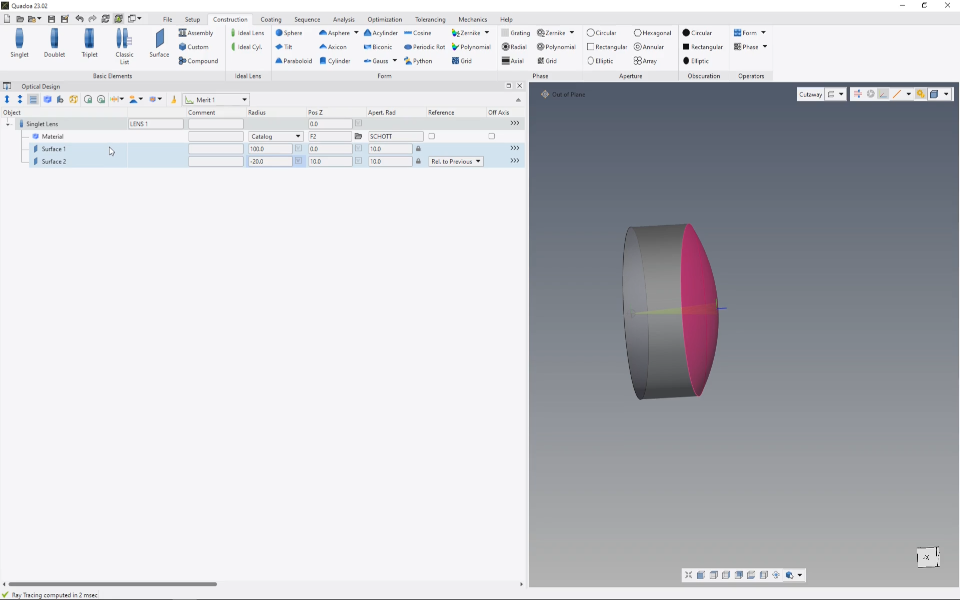

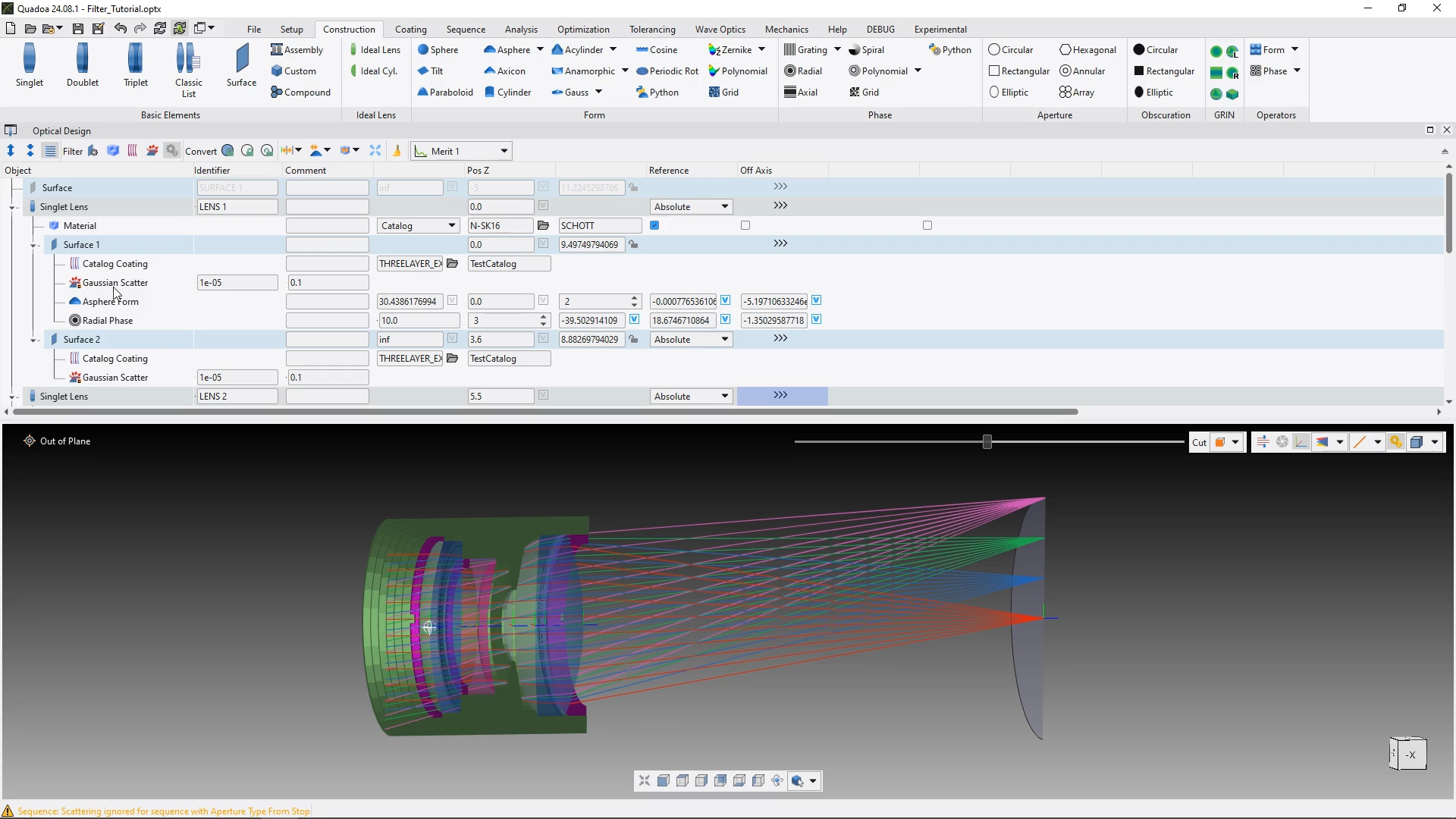
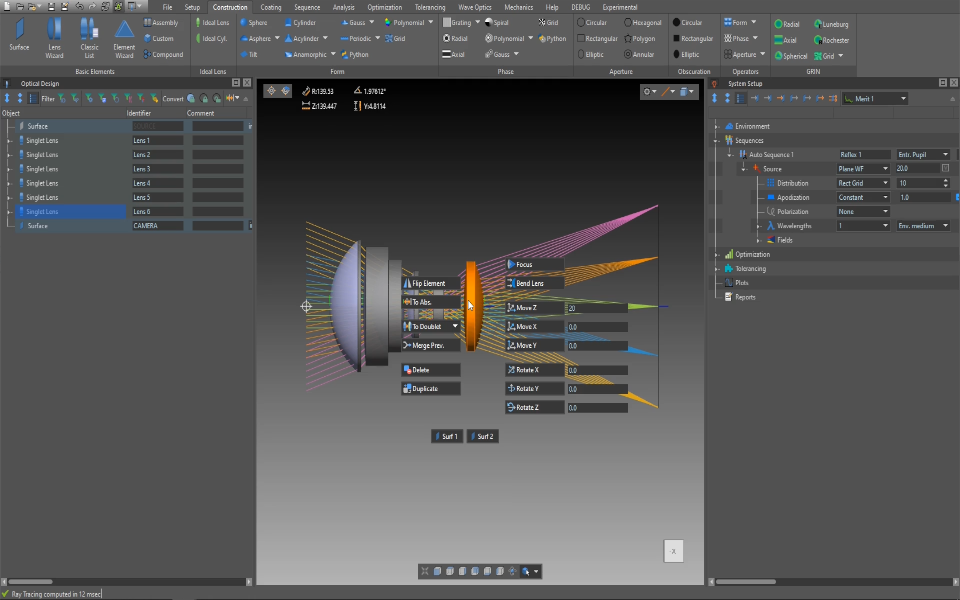
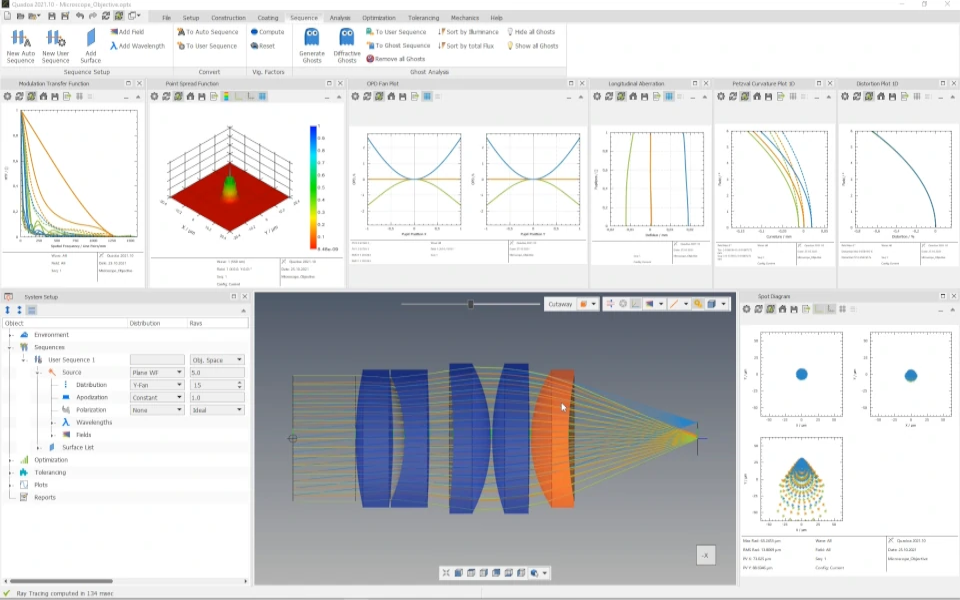
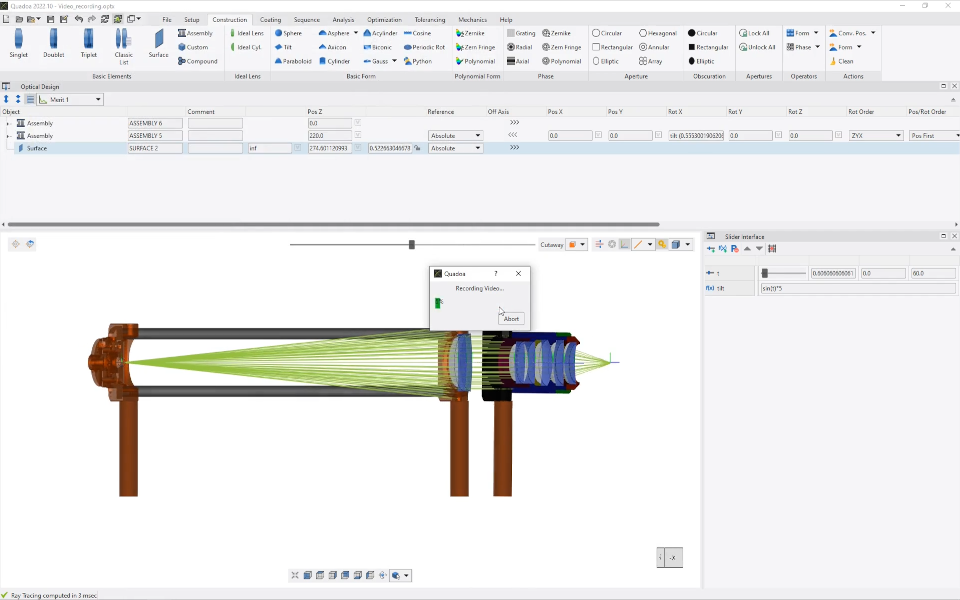
Building optical systems
Surfaces, materials, lens edges, assemblies and parameters: how optical systems are modeled in QUADOA®’s object-based architecture.
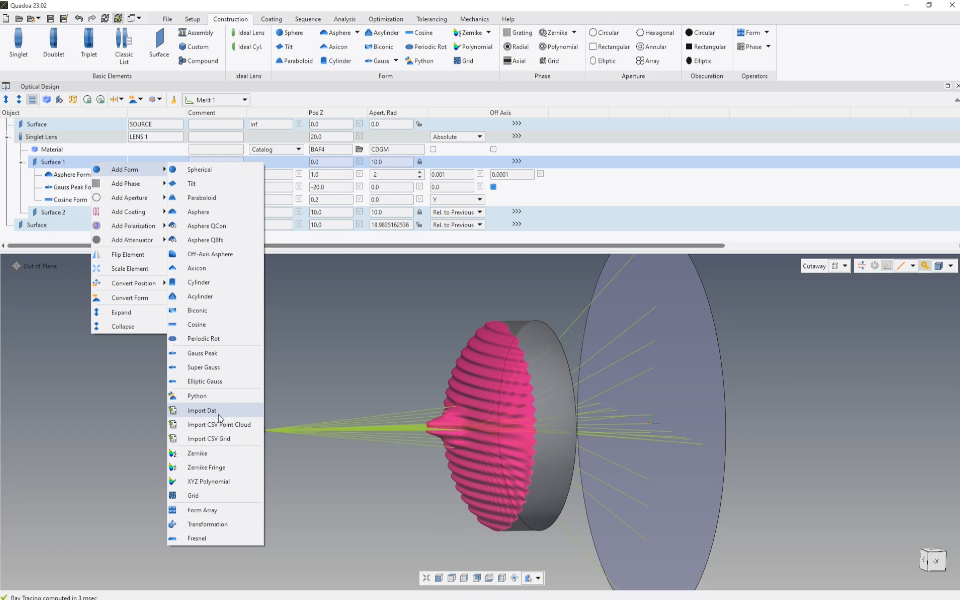
Video 3:37 min · Article Convert Surface Form Wizard
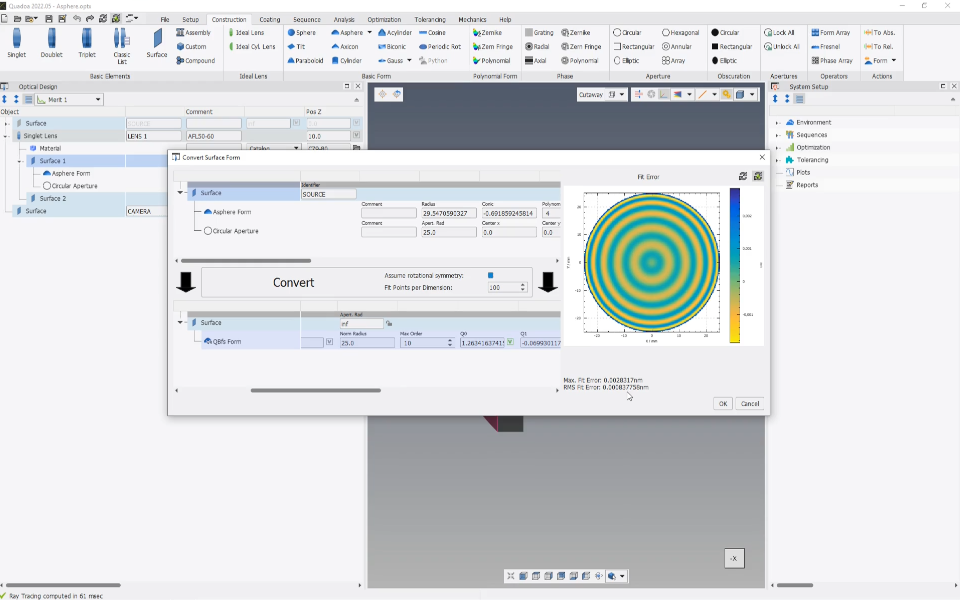
Video 3:00 min · Article Measurement and simulation data on surfaces
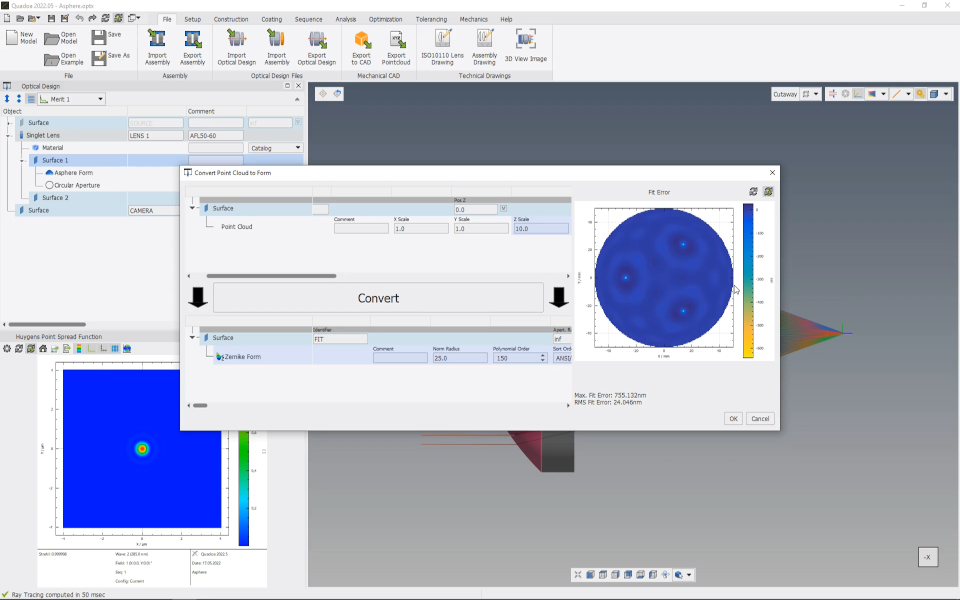
Video 2:04 min · Article GRIN material property
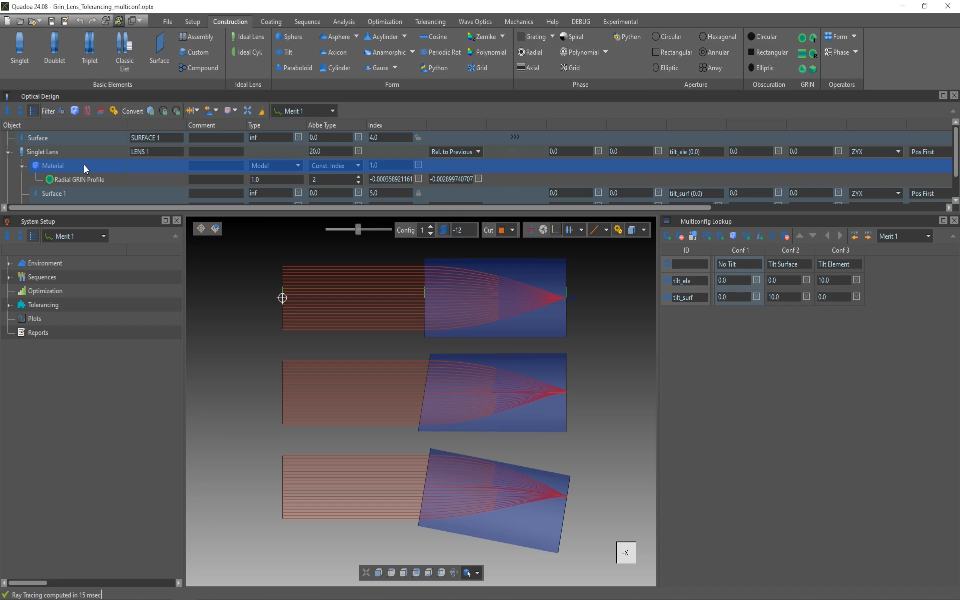
Video 4:52 min · Article Lens catalog
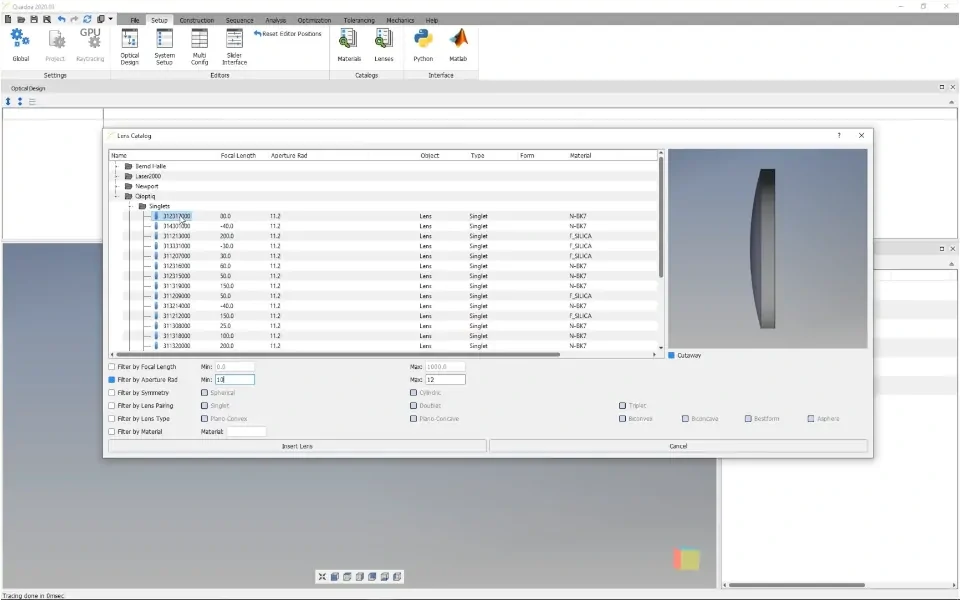
Video 1:47 min · Article Floating apertures and lens edges
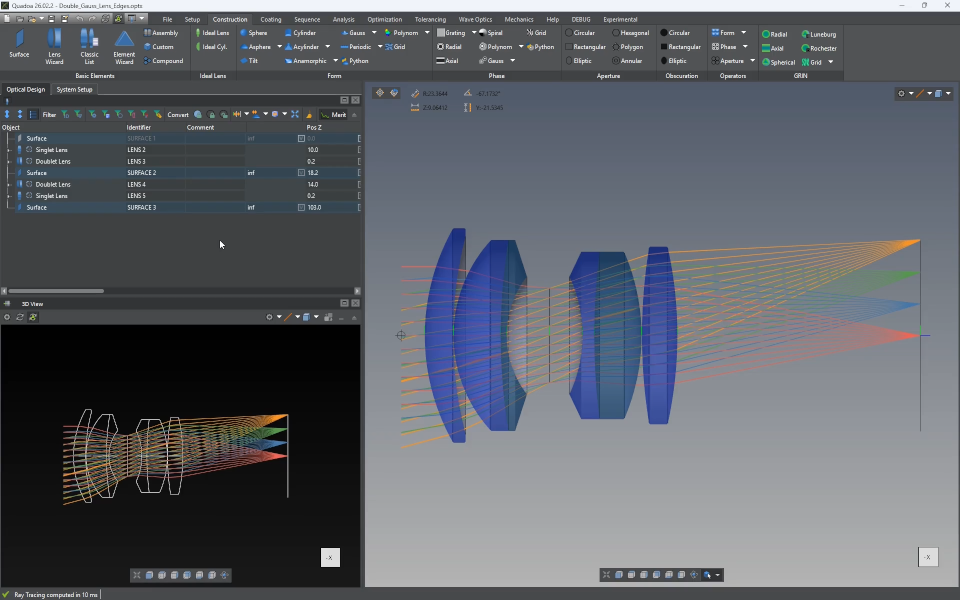
Video 5:04 min · Article Chamfers and flanges
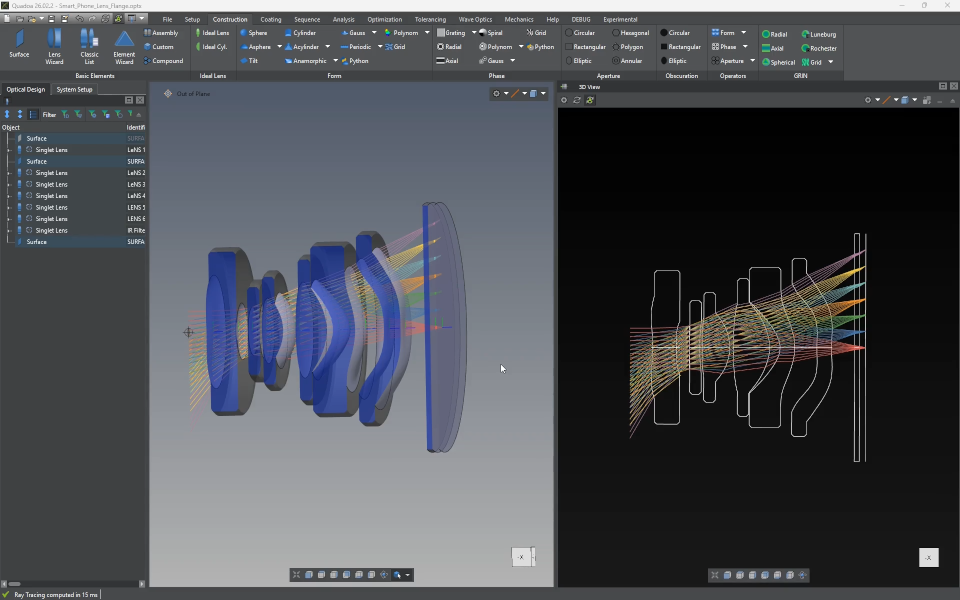
Video 5:27 min · Article Assemblies
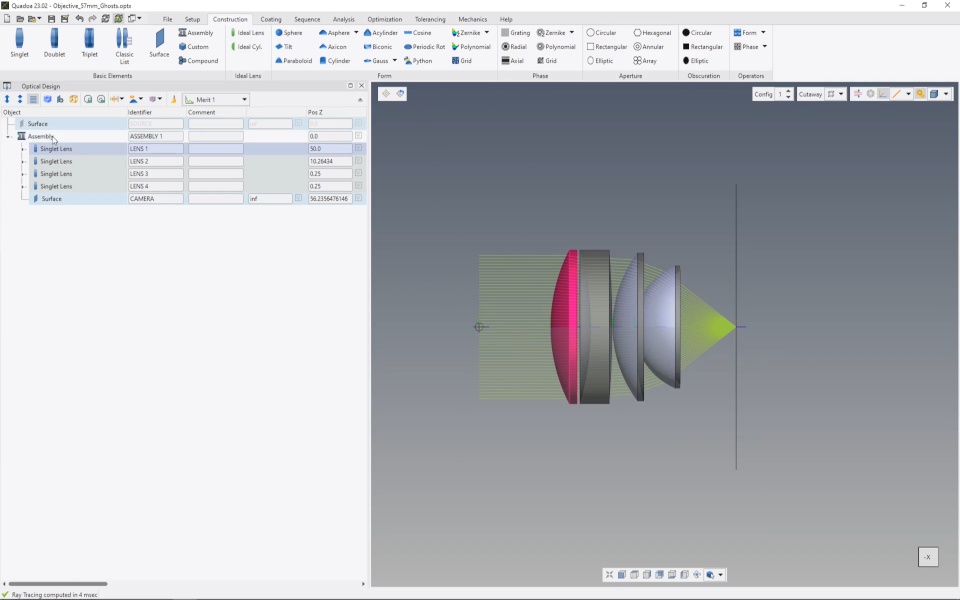
Video 2:22 min · Article Global and local coordinate systems
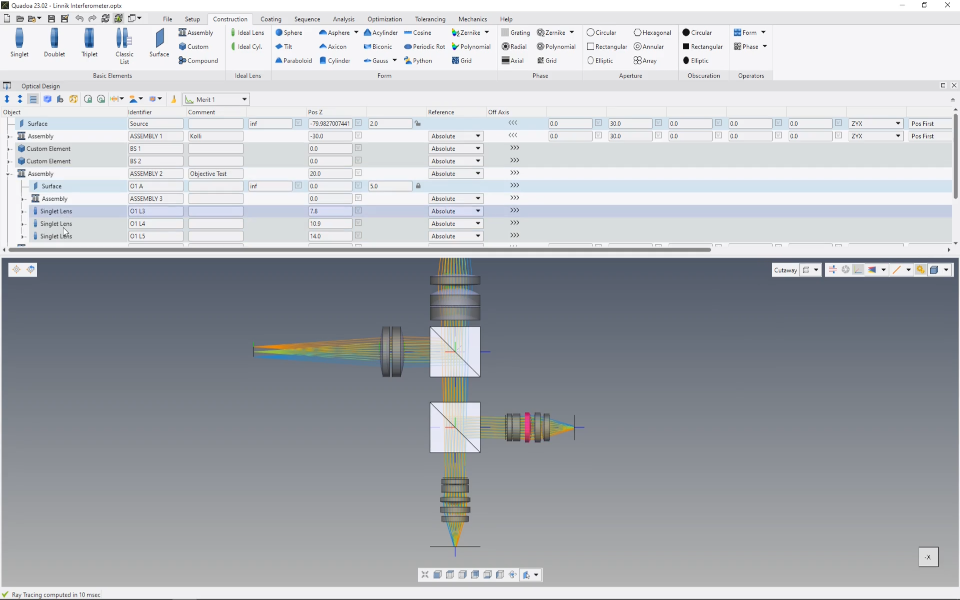
Video 1:30 min · Article Absolute and relative positions
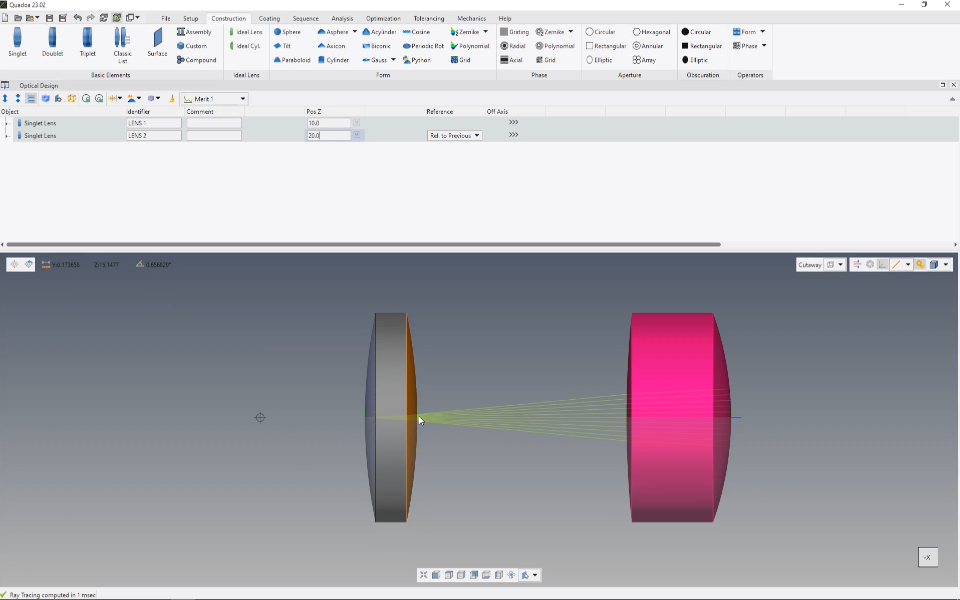
Video 2:23 min · Article Convert positions and dependencies
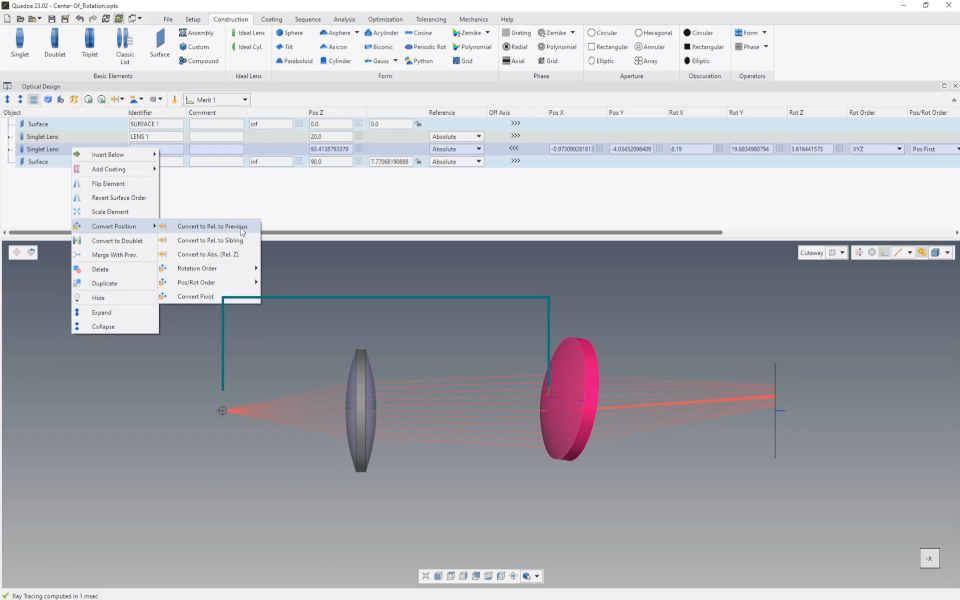
Video 3:03 min · Article Pivot points
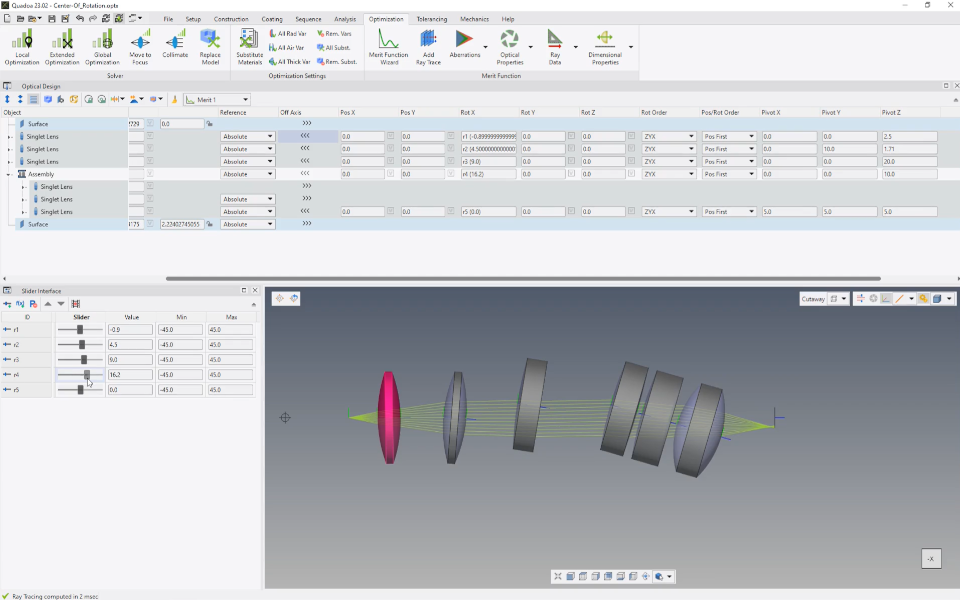
Video 3:26 min · Article Multiconfig lookup table and parameters
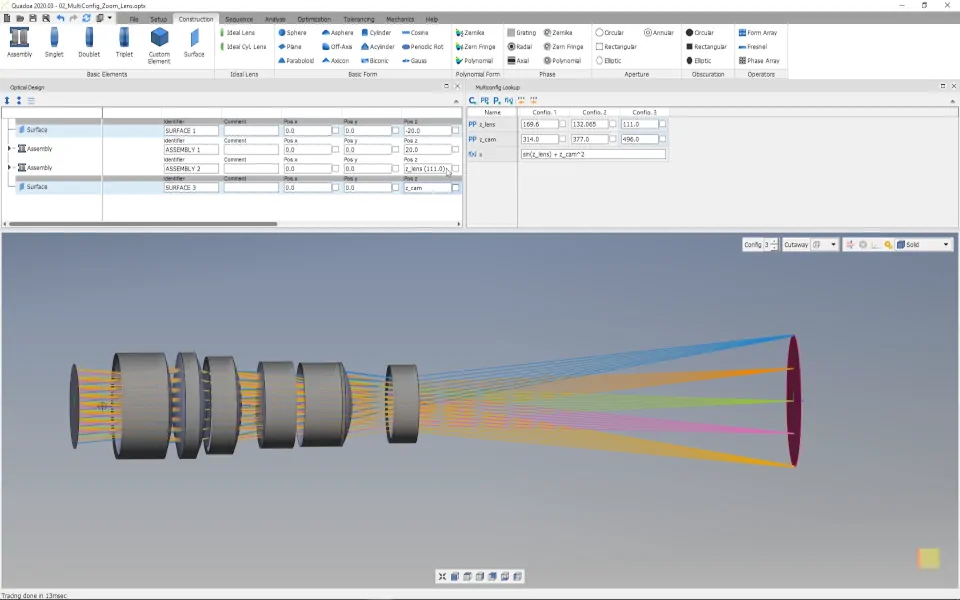
Video 3:25 min · Article Slider interface and parameters
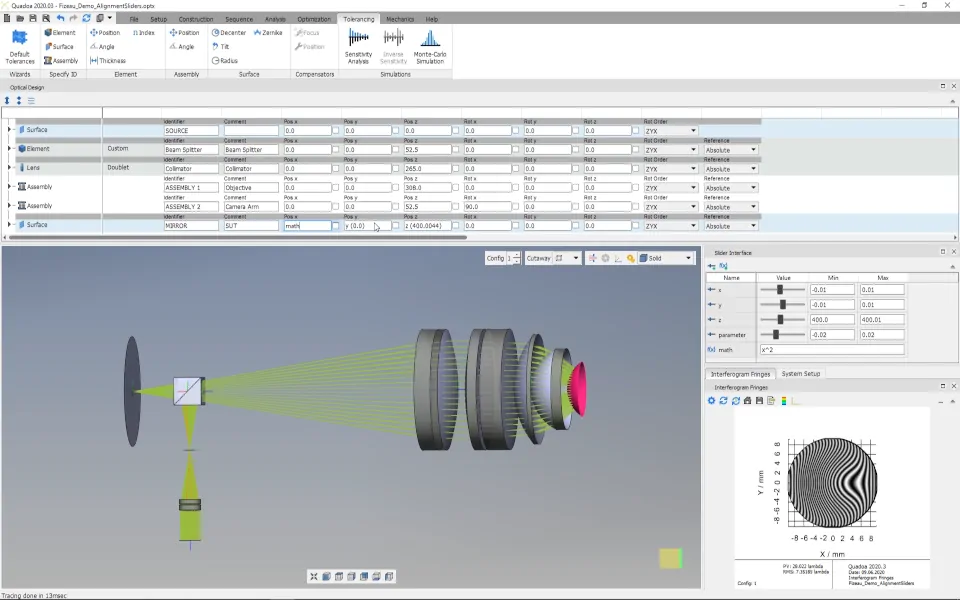
Video 3:29 min · Article
Ray tracing and analysis
Sequential and multi-sequential ray tracing, polarization, ghost reflexes, mechanics checks and analysis plots.
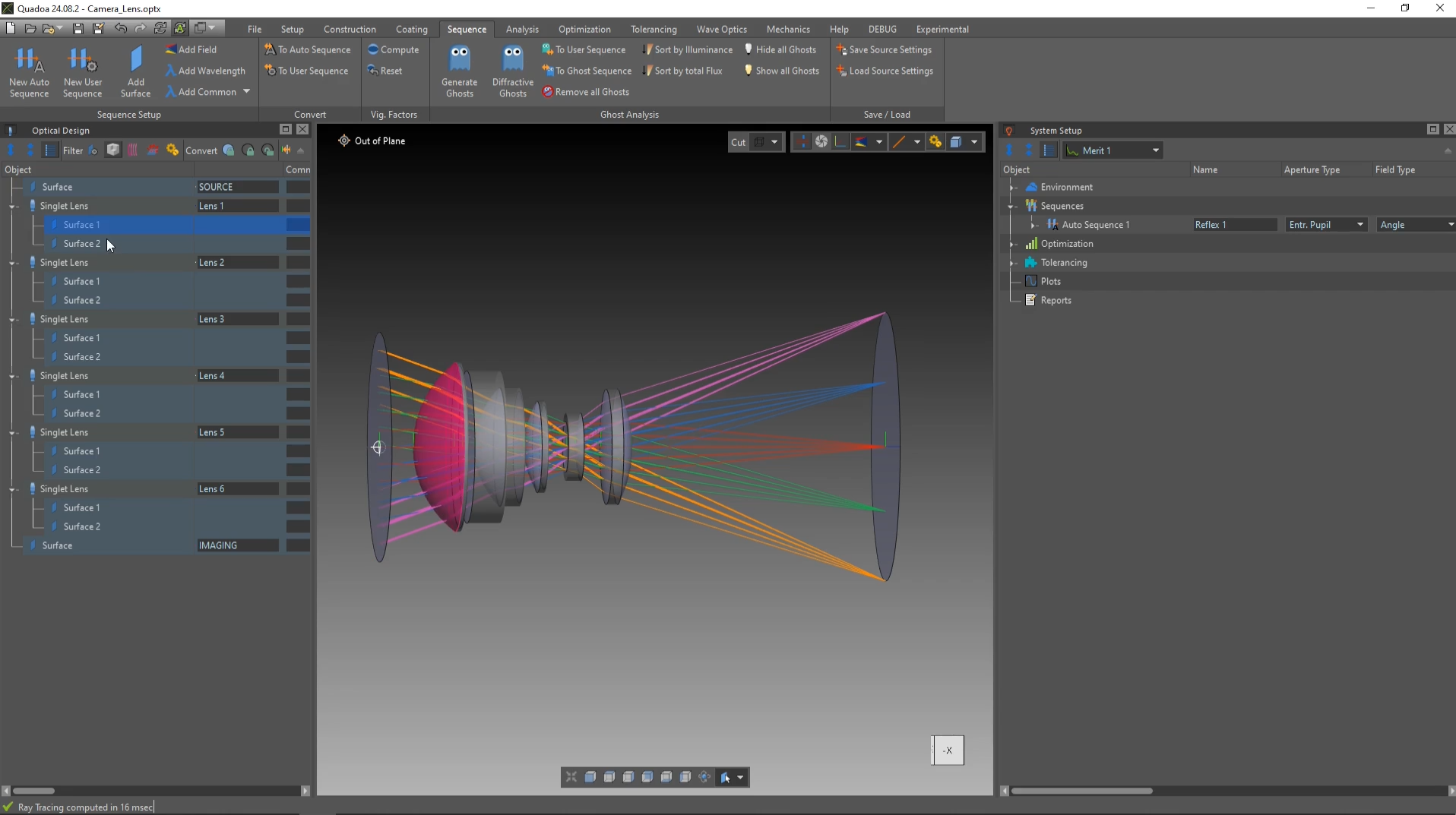
Video 2:19 min · Article Ray tracing and sequence settings
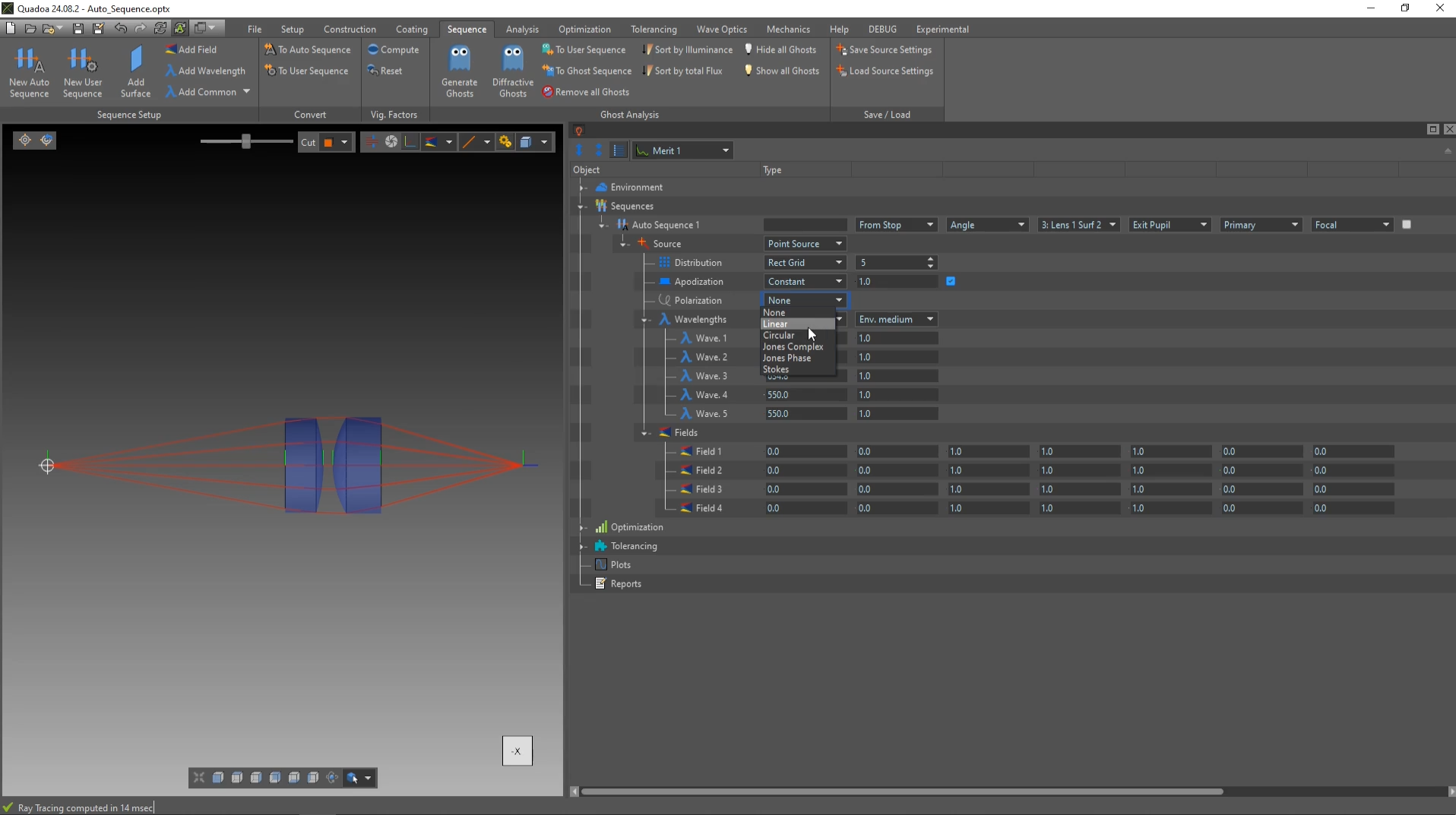
Video 3:01 min · Article User sequence
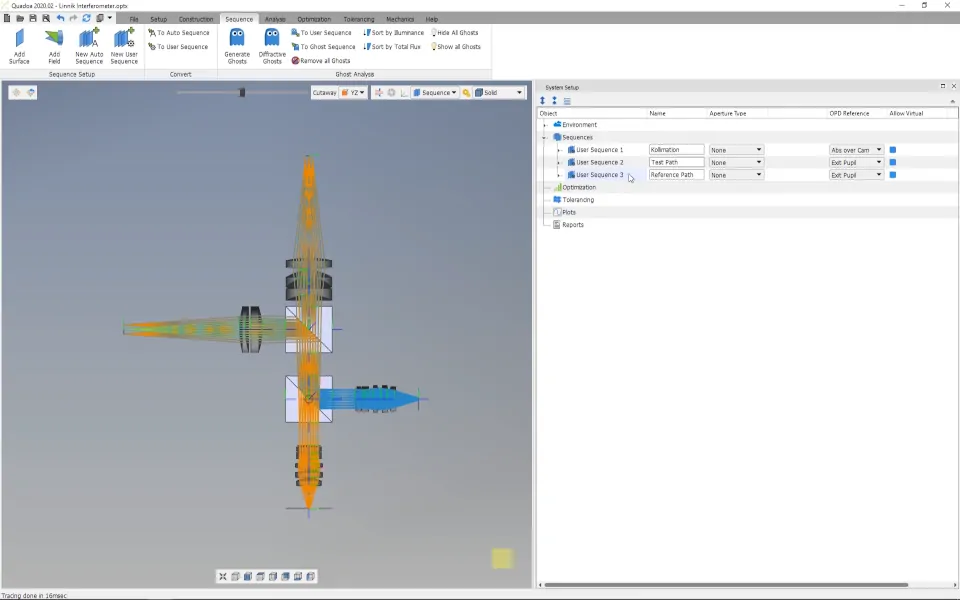
Video 3:14 min · Article Polarized light source
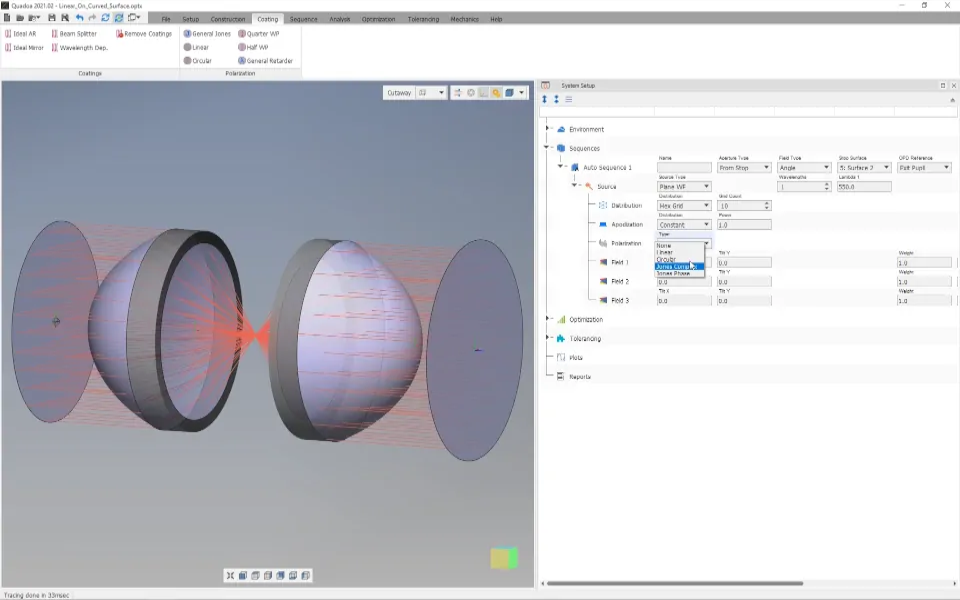
Video 2:45 min · Article Polarization elements
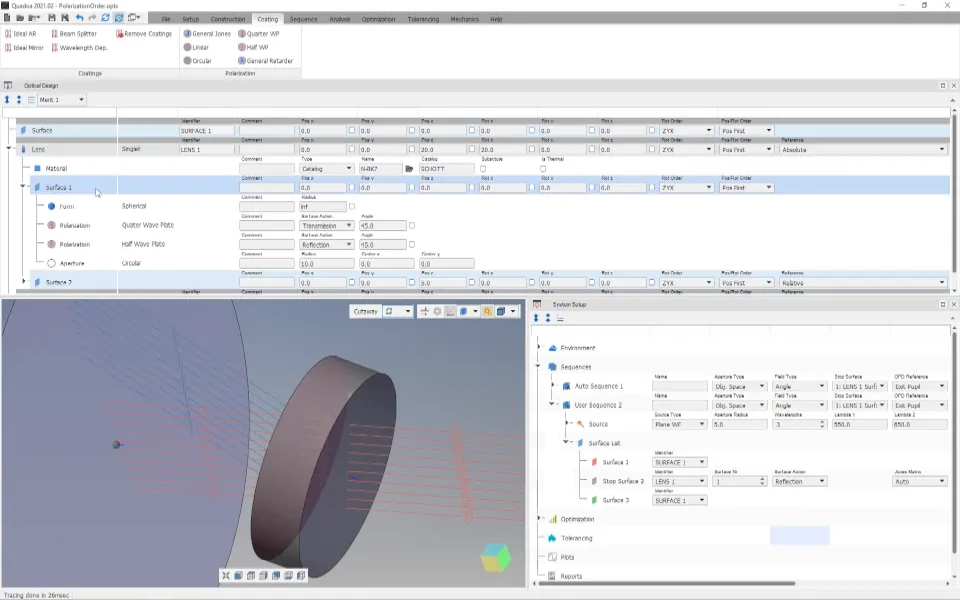
Video 3:09 min · Article Polarization capabilities of QUADOA®
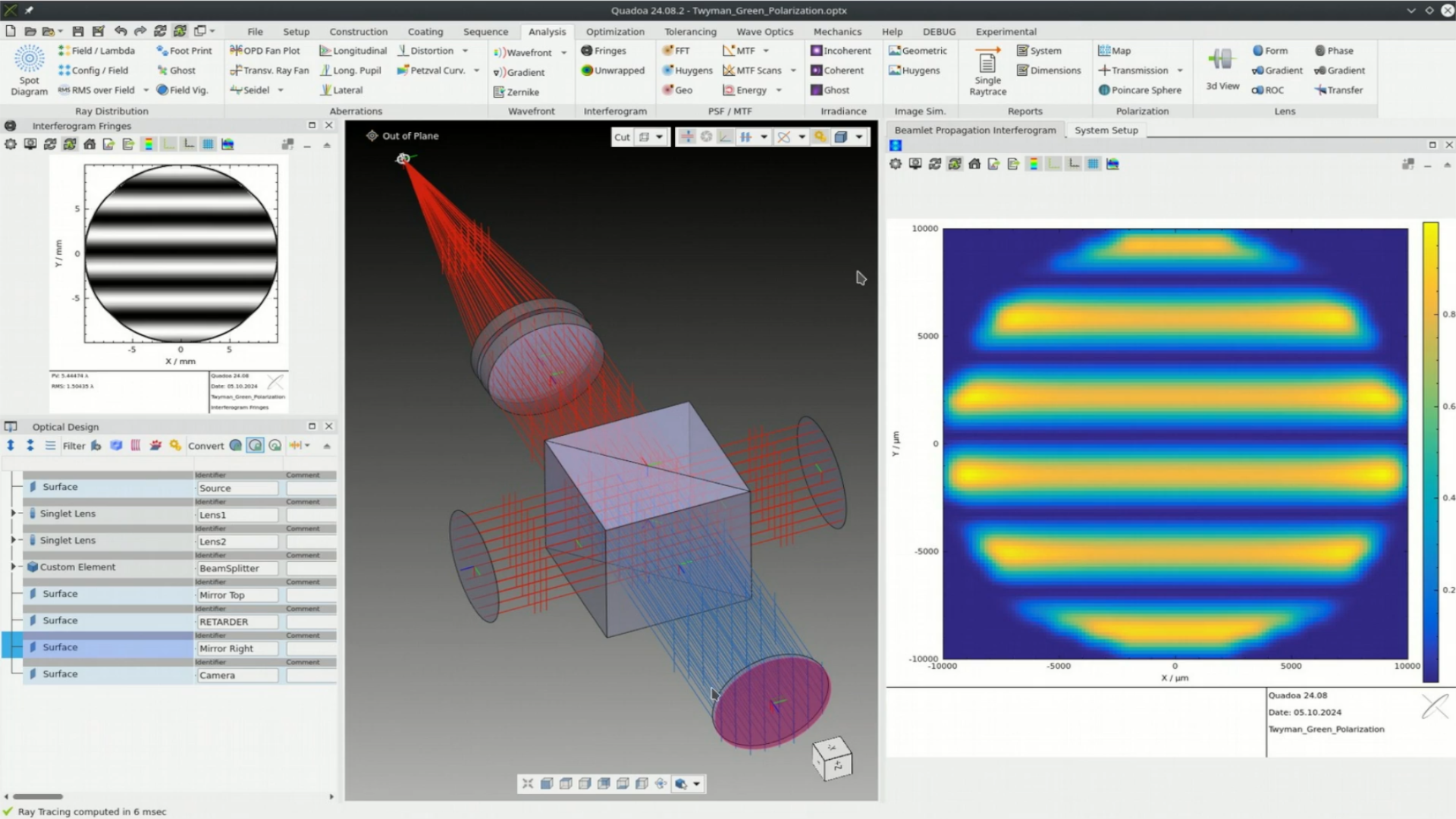
Video 25:39 min · Article Analysis plot settings
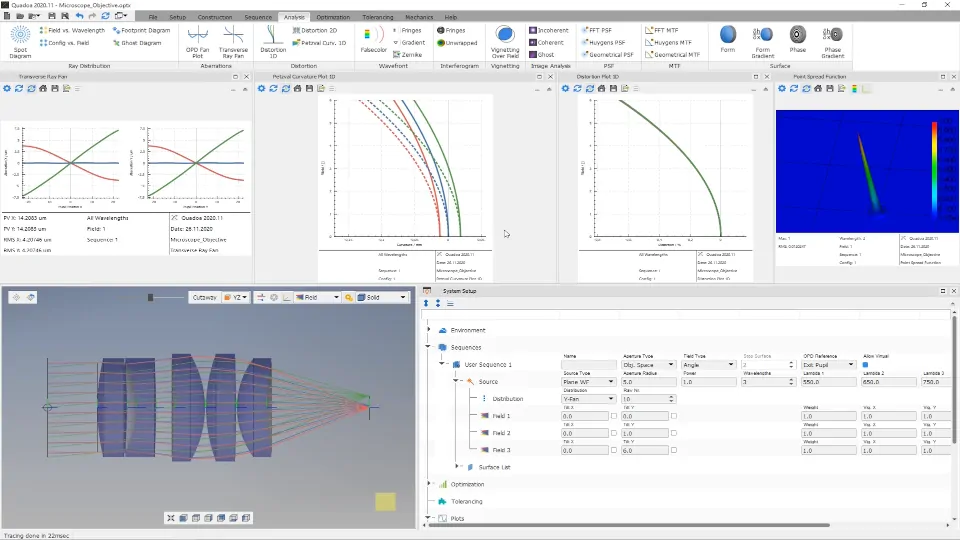
Video 1:46 min · Article Ghost reflex analysis
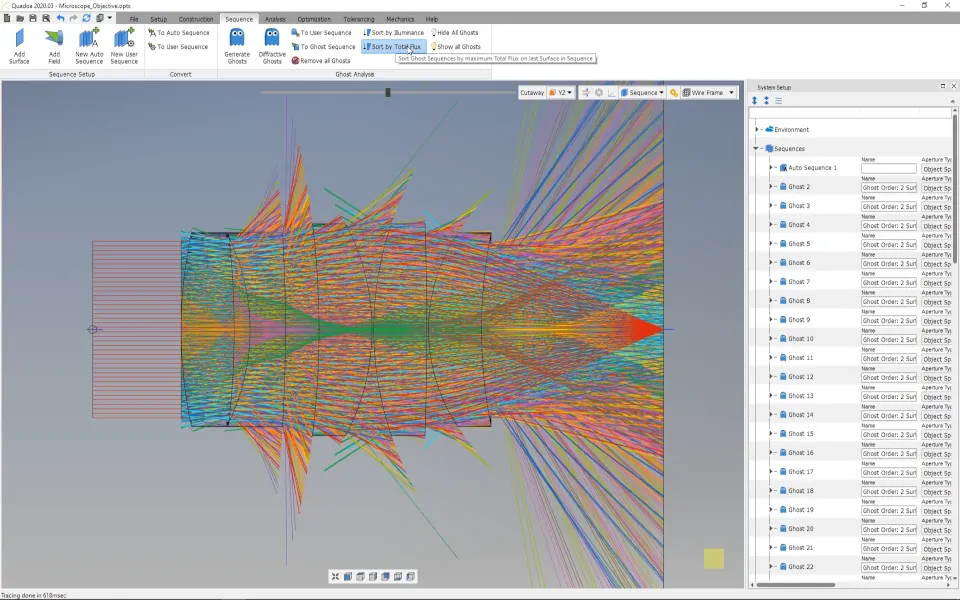
Video 4:31 min · Article Import mechanics and intersection analysis
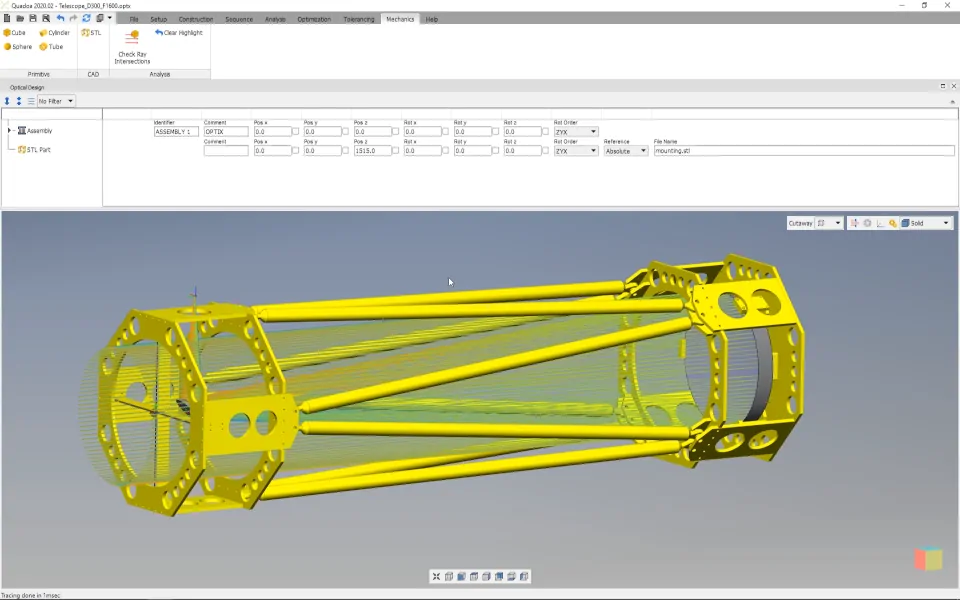
Video 2:53 min · Article
Optimization and tolerancing
Merit functions, material substitution, CGH and thermal optimization, and realistic tolerance analysis with compensators.
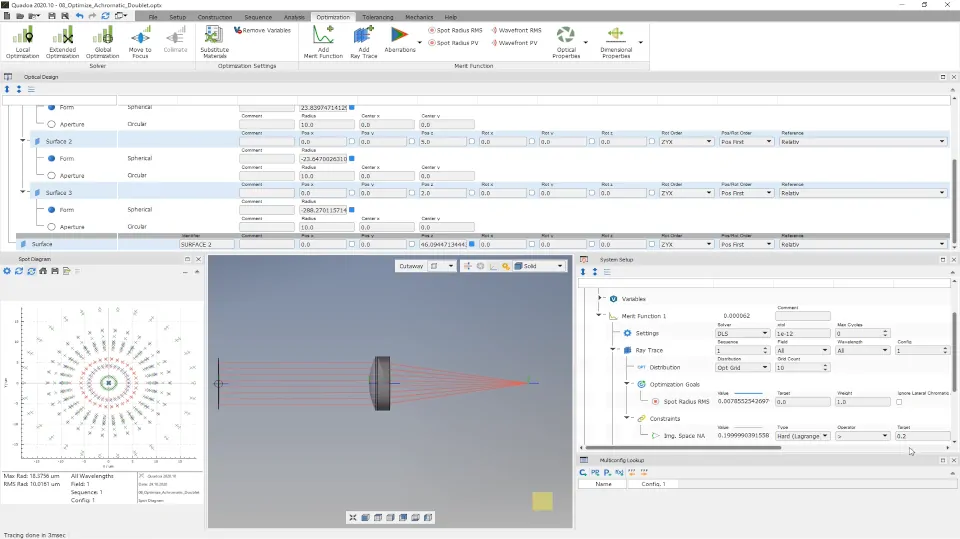
Video 4:35 min · Article Multiple merit functions
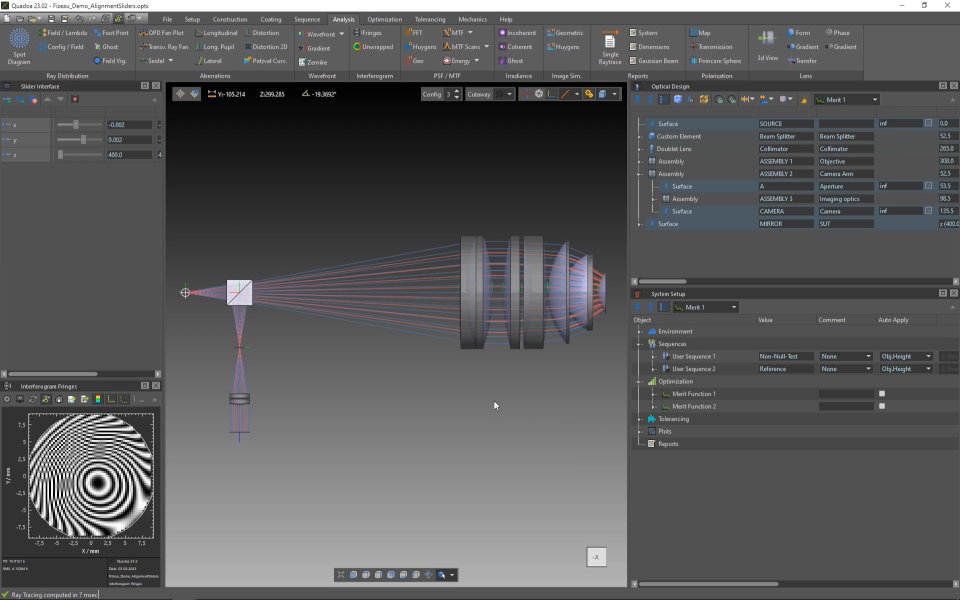
Video 5:28 min · Article Math expressions in optimization
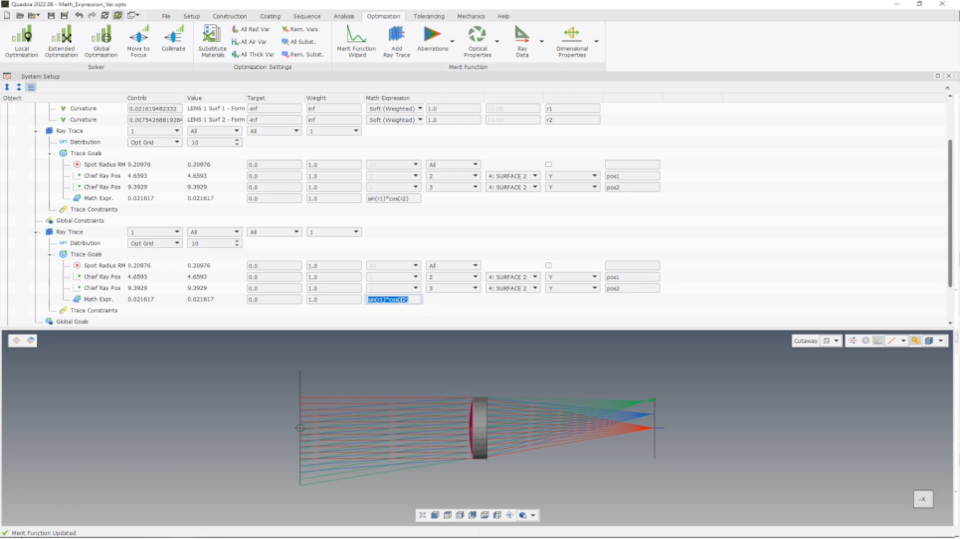
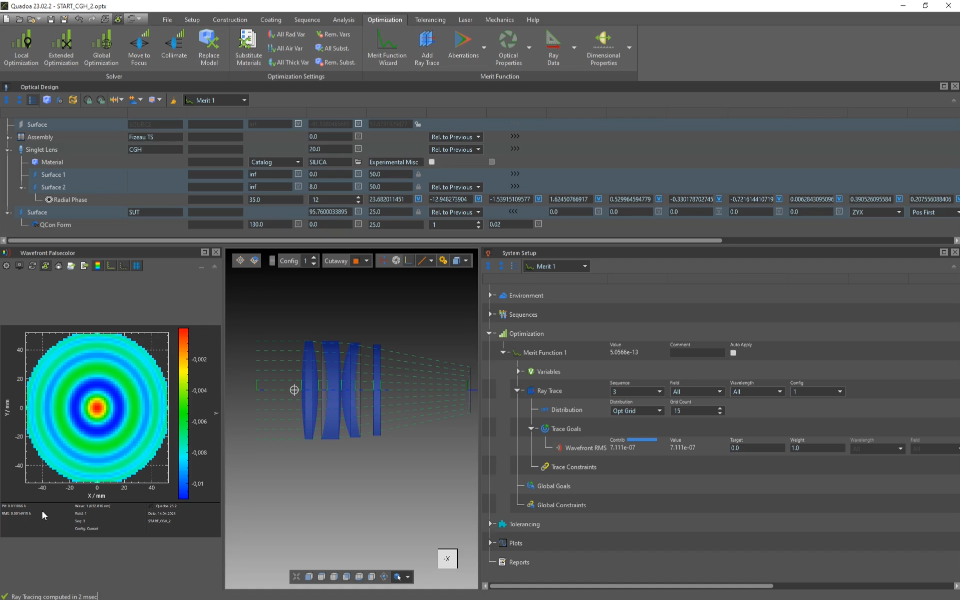
Video 2:08 min · Article CGH optimization
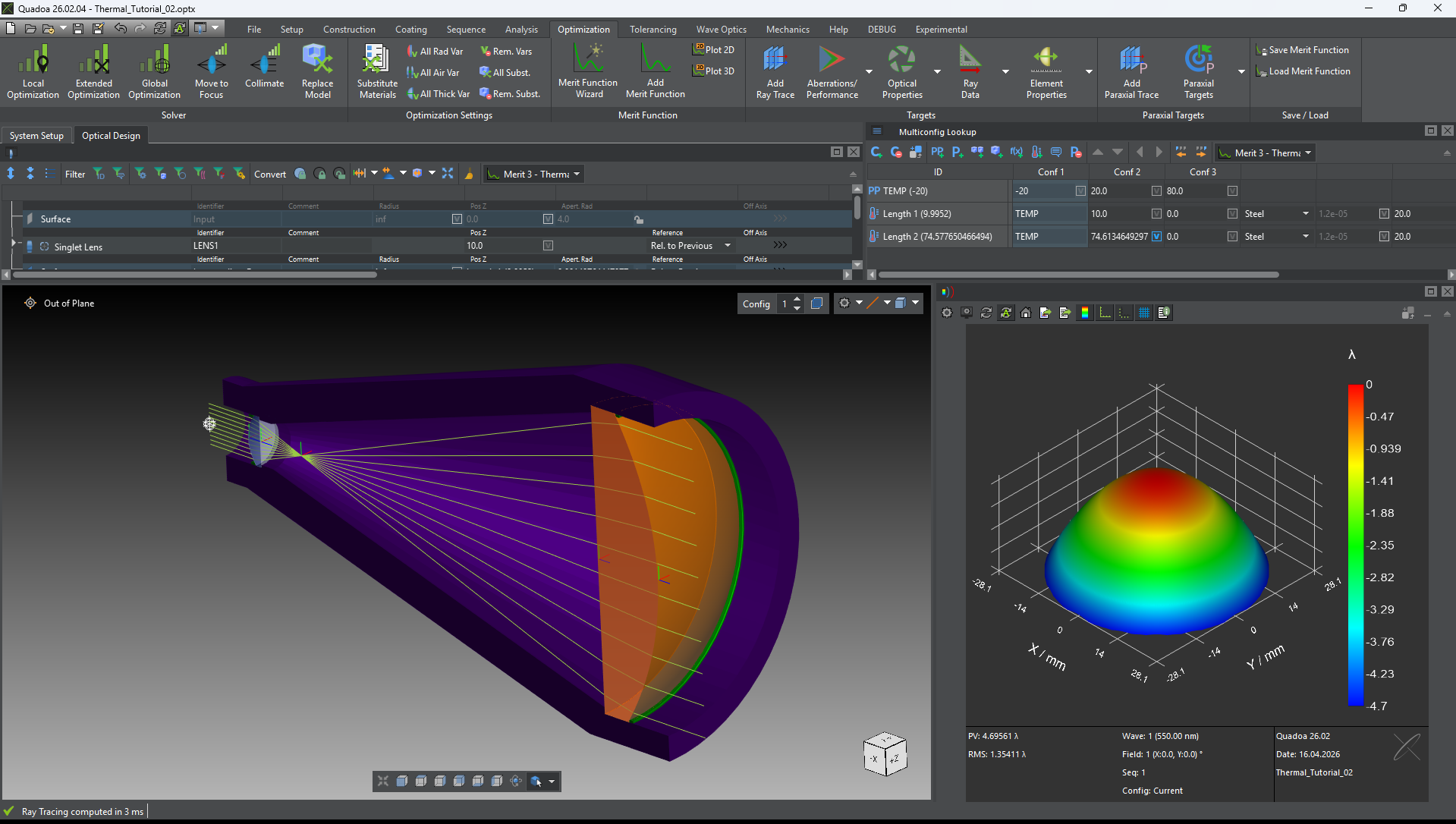
Video 7:01 min · Article Thermal analysis
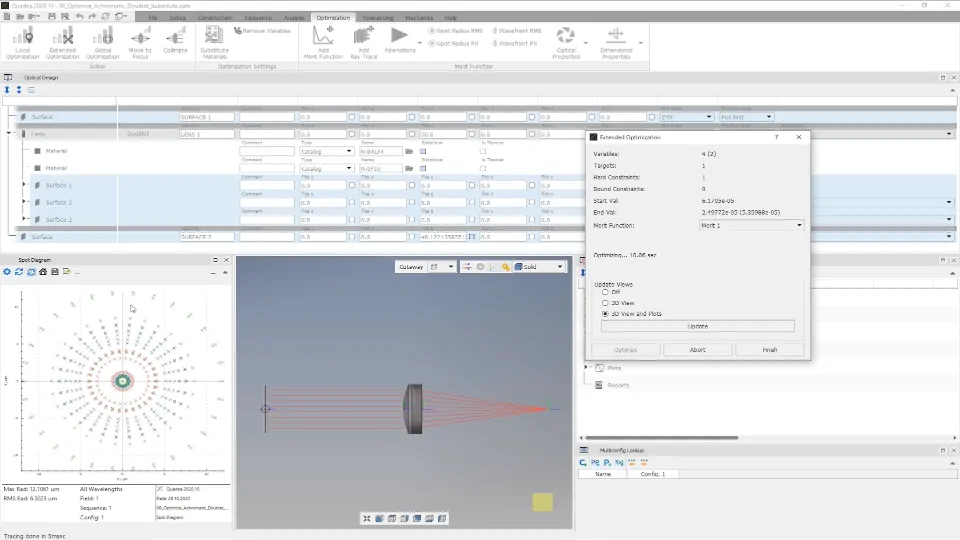
Video 14:09 min · Article Material substitution
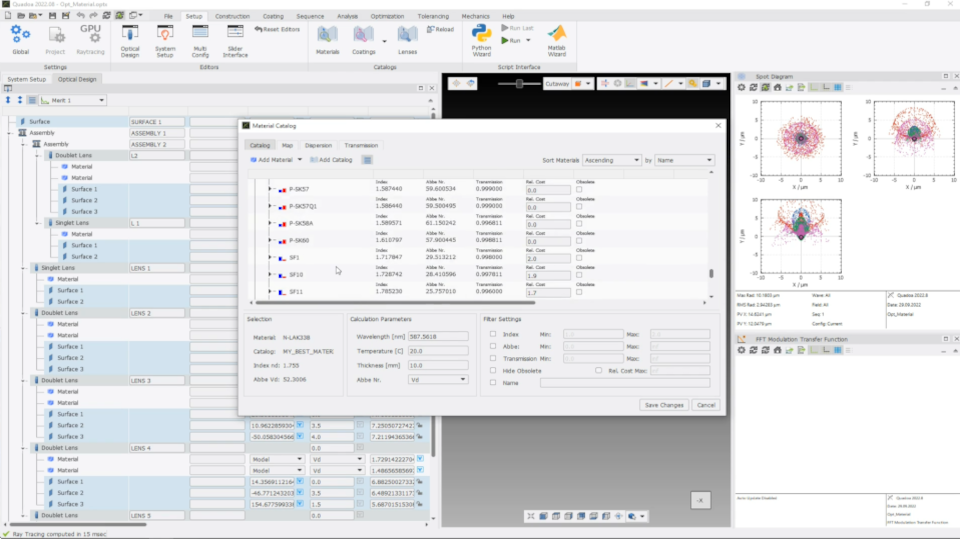
Video 2:29 min · Article Material and substitute catalog
Video 2:55 min · Article Define tolerances
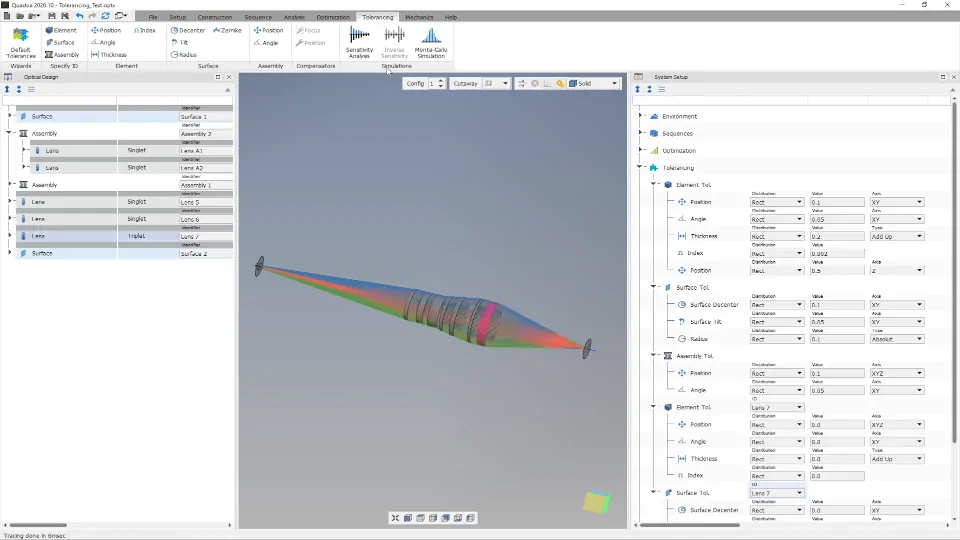
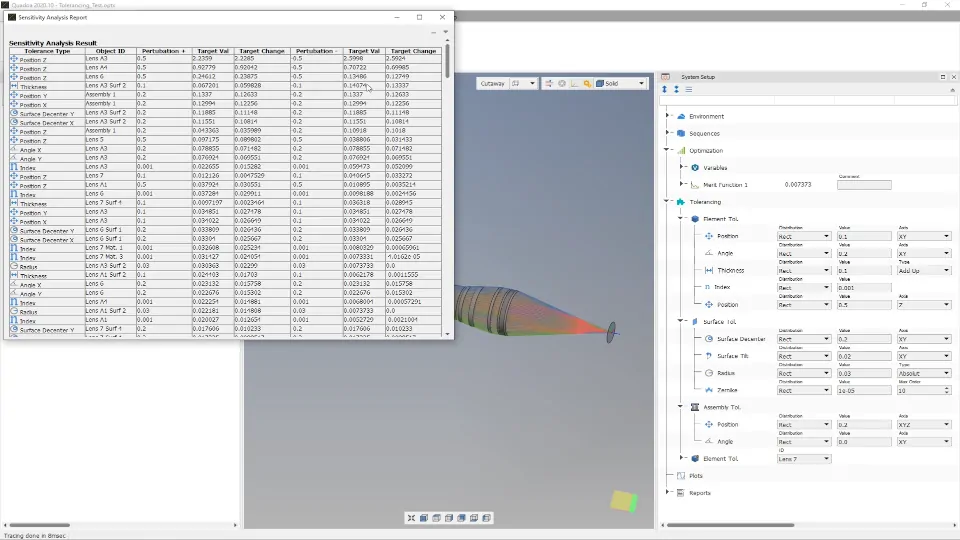
Video 3:46 min · Article Sensitivity analysis and Monte Carlo simulation
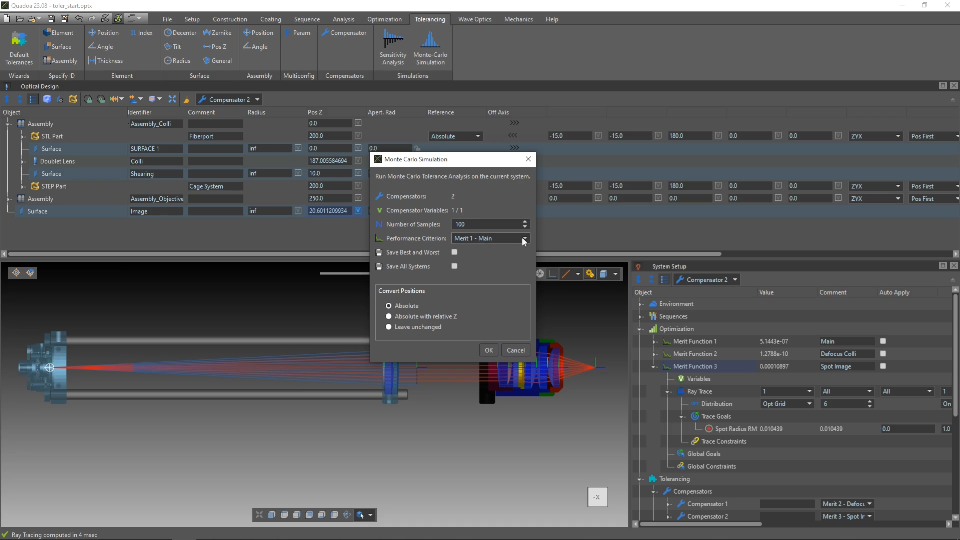
Video 2:37 min · Article Compensators for the alignment process
Video 8:43 min · Article
Scripting
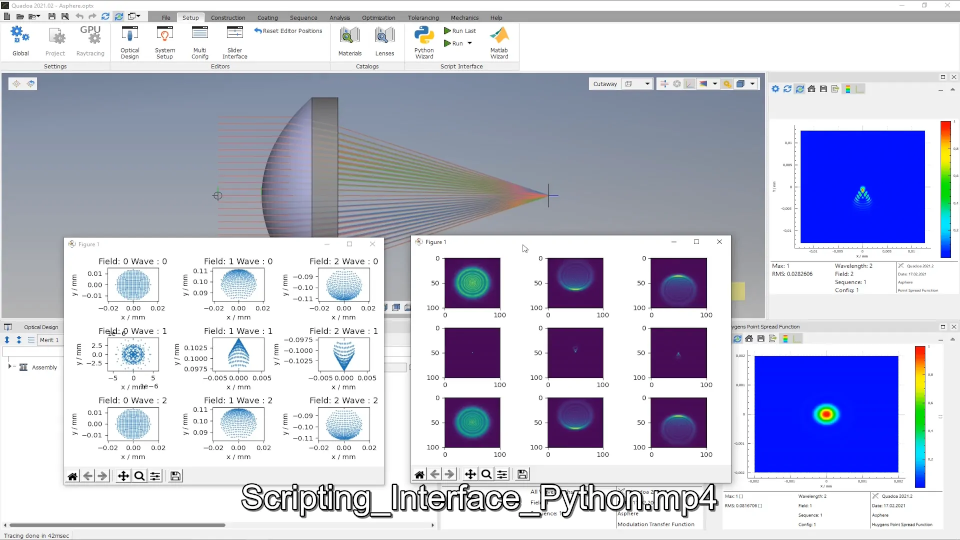
Automate QUADOA® from your own scripts with the Python, MATLAB® and C++ interfaces.
Design examples
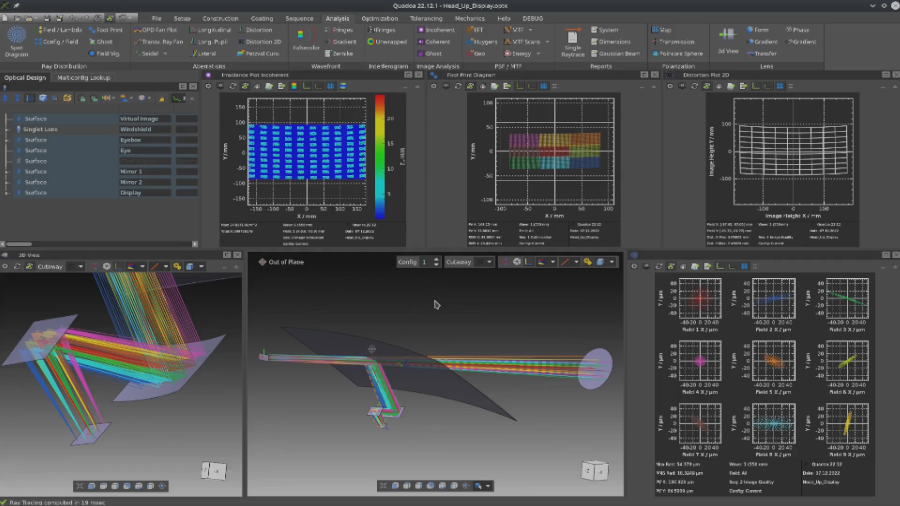
Complete designs from an empty file to the finished system: a Cooke triplet, an off-axis mirror telescope and an automotive head-up display.