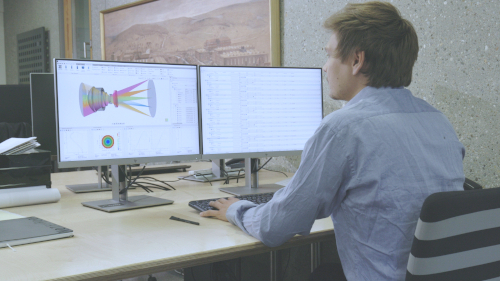


Ray tracing and analysis
QUADOA® combines sequential ray tracing with multi-sequential ray tracing, so several ray paths can be analyzed in one model. These articles cover sequences and ray tracing settings, polarization, ghost reflexes and the analysis of results.
Sequences and ray tracing settings
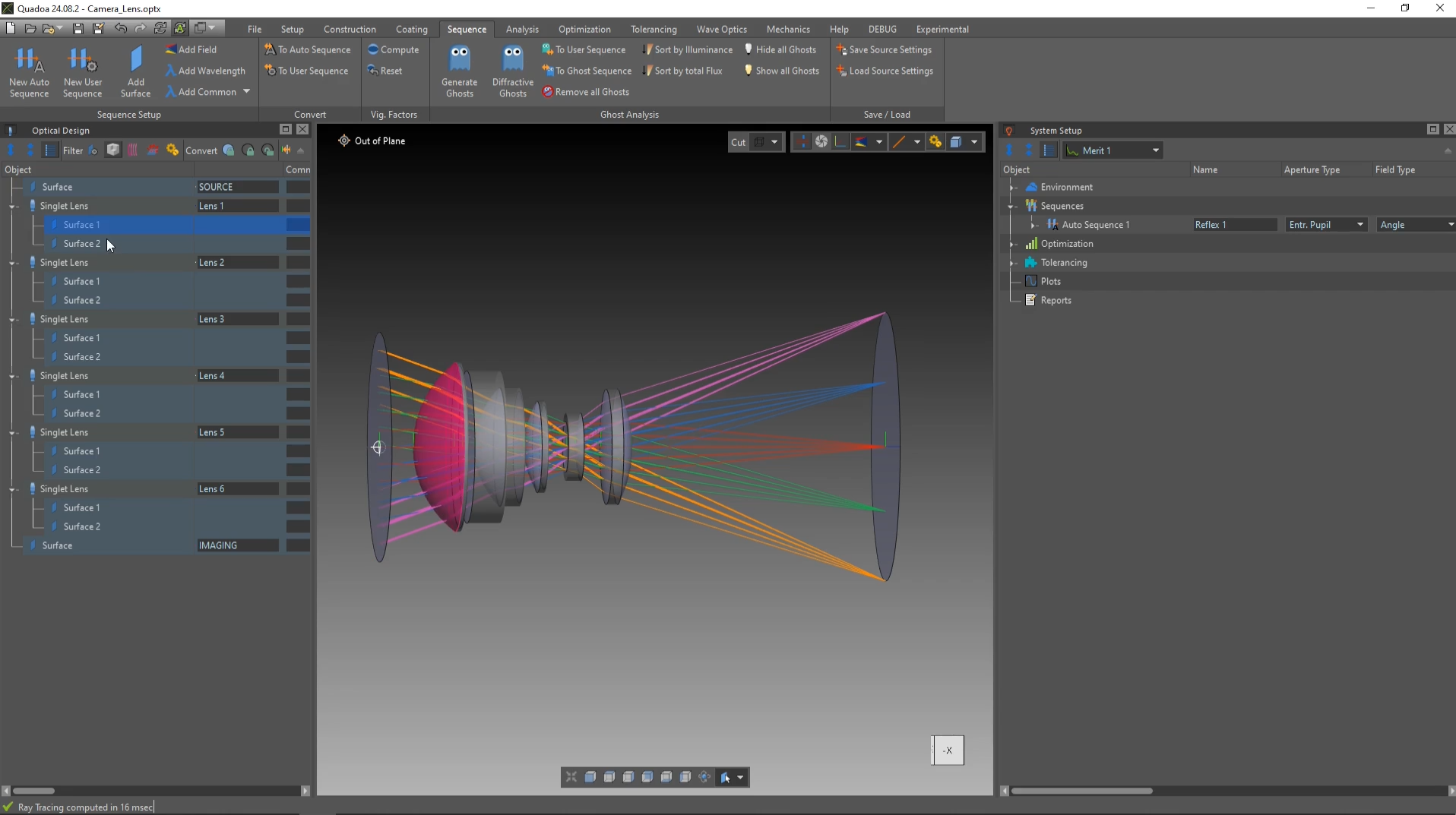
Auto sequence
How the default auto sequence is defined and how rays are traced through a system of several lenses.
Includes a video tutorial (2:19 min)
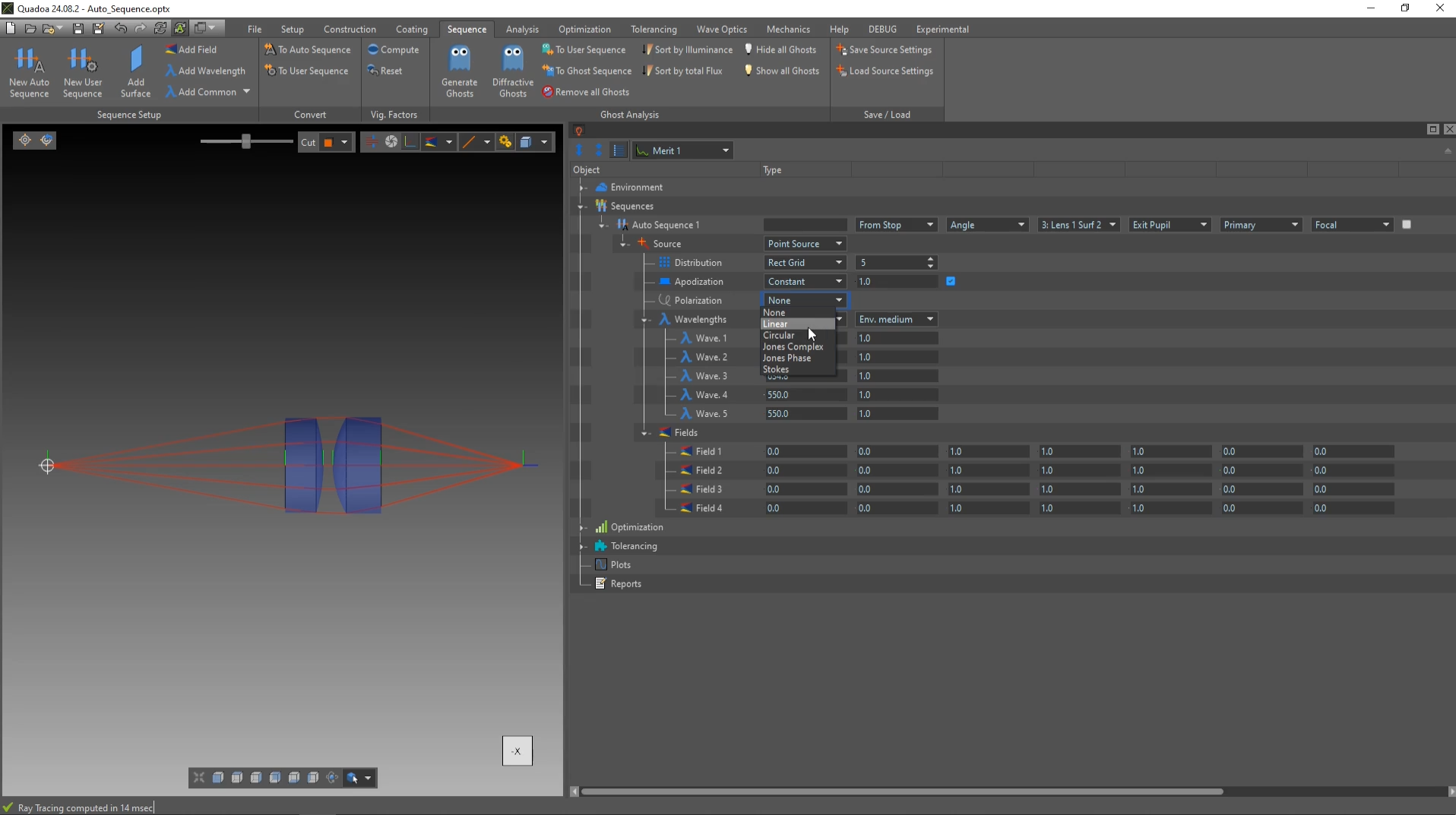
Ray tracing and sequence settings
Source types, wavelengths, fields, apodization and polarization states: the ray tracing settings step by step.
Includes a video tutorial (3:01 min)
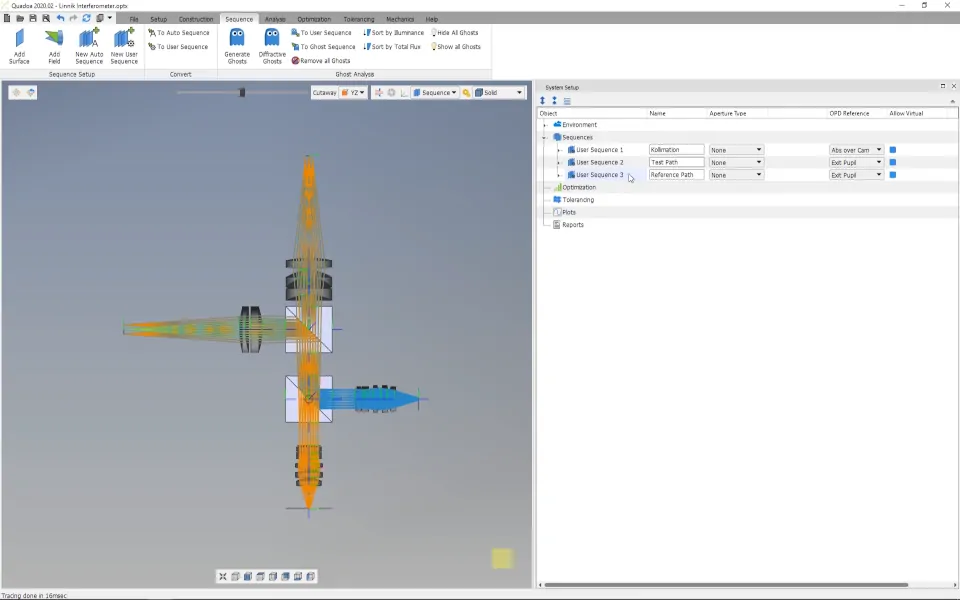
User sequence
How to define individual sequential ray paths, for example for interferometers or reflex analysis.
Includes a video tutorial (3:14 min)
Polarization
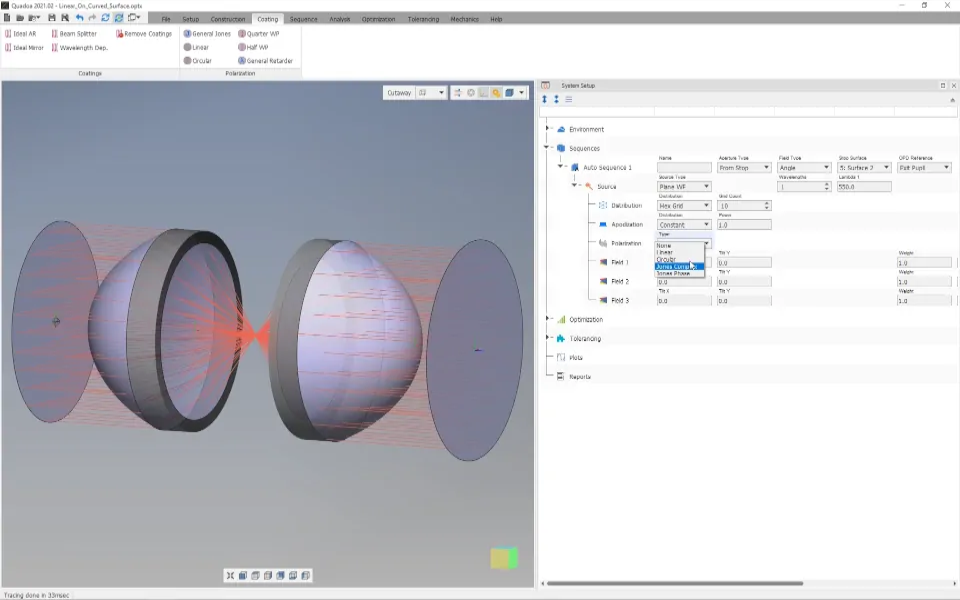
Polarized light source
How to set up a polarized source, for example circular polarization or a Jones vector, and its polarization settings.
Includes a video tutorial (2:45 min)
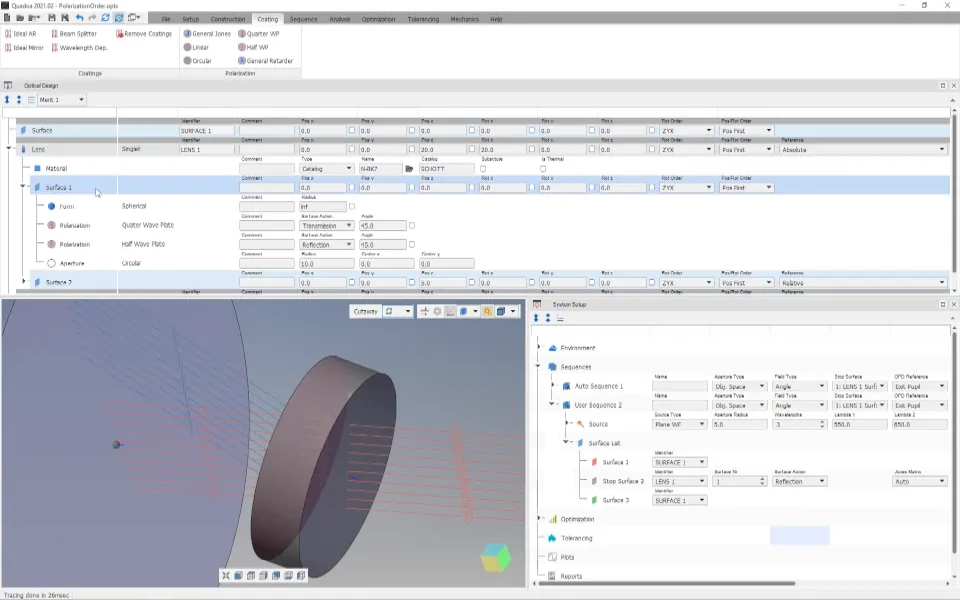
Polarization elements
How to add polarization elements, such as a quarter-wave plate or a Jones matrix, to a lens surface.
Includes a video tutorial (3:09 min)
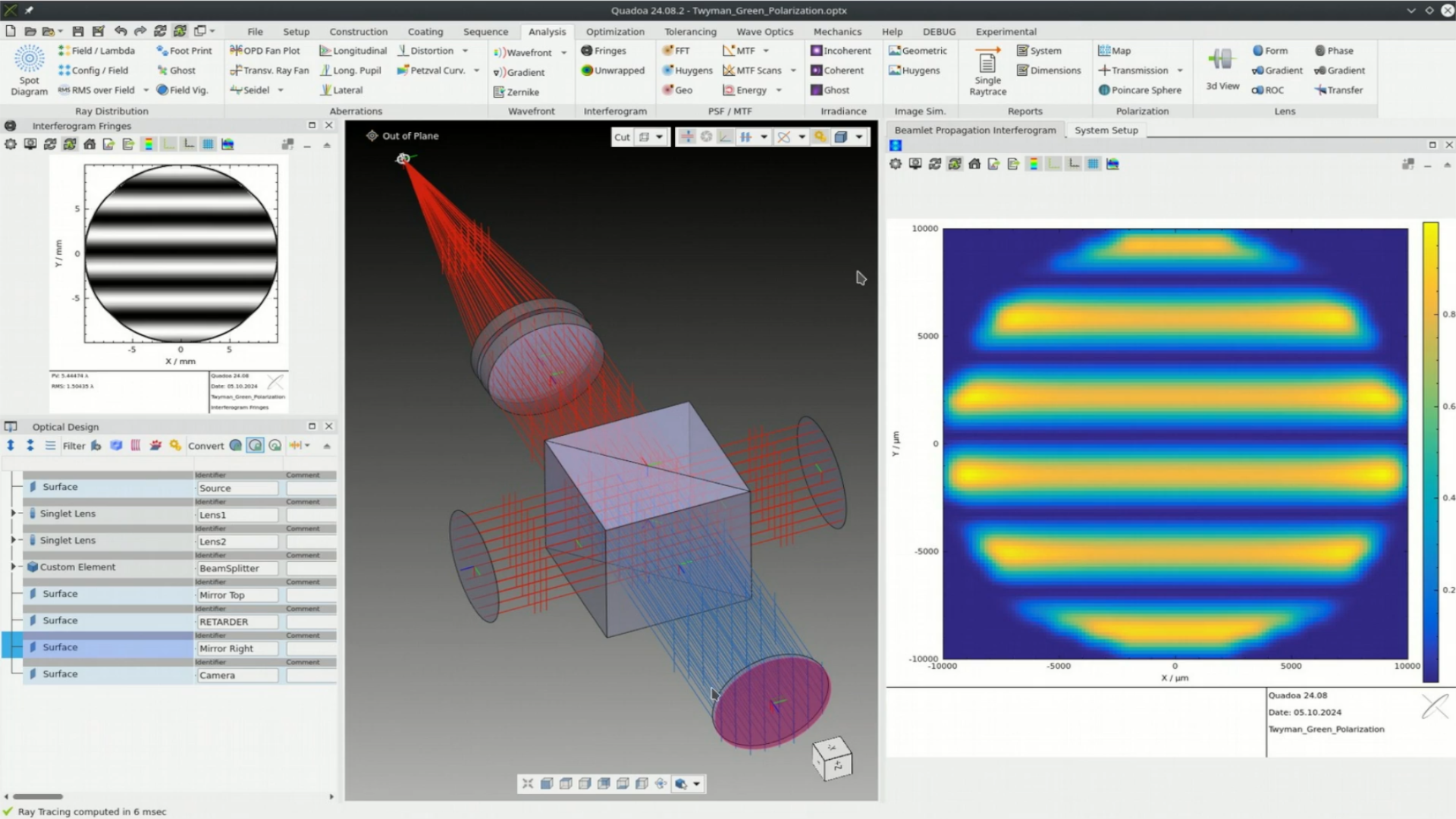
Polarization capabilities of QUADOA®
Overview of the polarization features: Jones and Mueller calculus, polarization analysis and birefringent ray tracing.
Includes a video tutorial (25:39 min)
Analysis
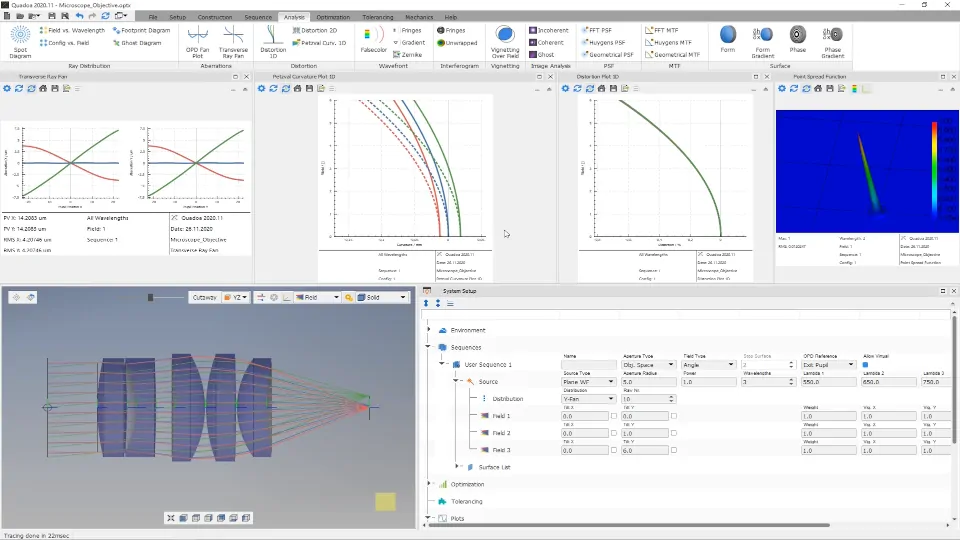
Analysis plot settings
How to set up analysis plots and change their settings.
Includes a video tutorial (1:46 min)
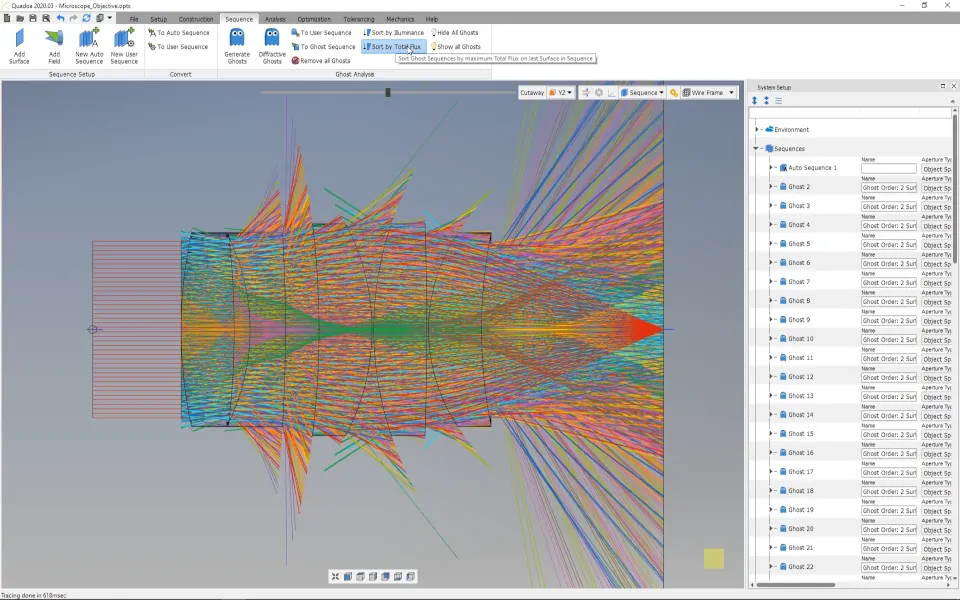
Ghost reflex analysis
How to generate ghost reflexes, analyze them individually and sort them by illuminance or total flux.
Includes a video tutorial (4:31 min)
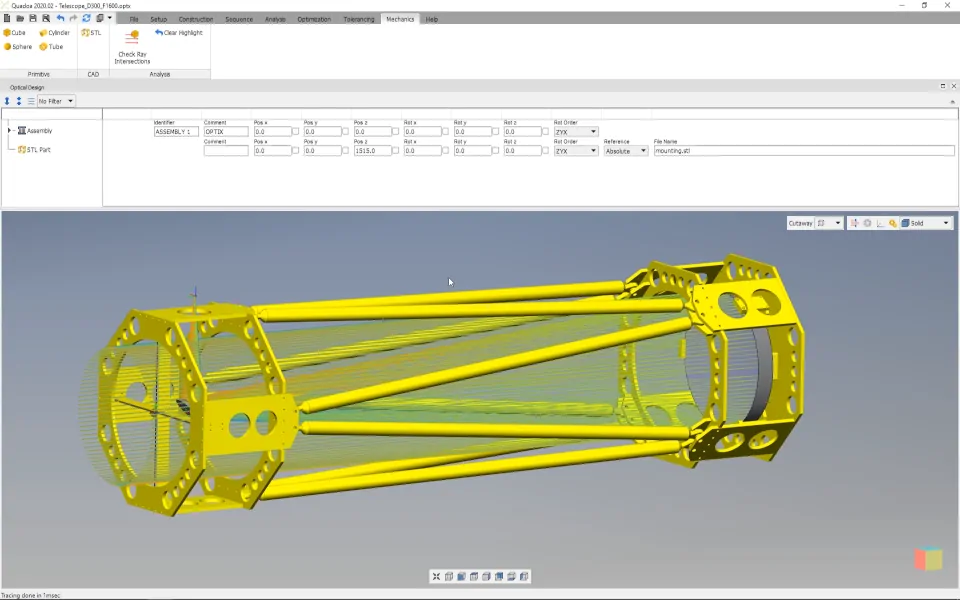
Import mechanics and intersection analysis
How to import mechanical parts and check whether rays intersect with the mechanics.
Includes a video tutorial (2:53 min)