

Building optical systems
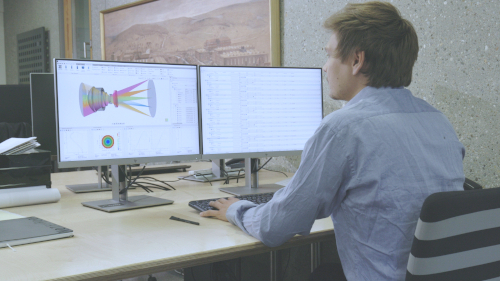
QUADOA® models optical systems with high-level objects such as lenses, mirrors and assemblies instead of surface lists. These articles show how to define surfaces and materials, shape lens edges, position elements and control a design with parameters.
Surfaces and materials
Freeform and stack definition
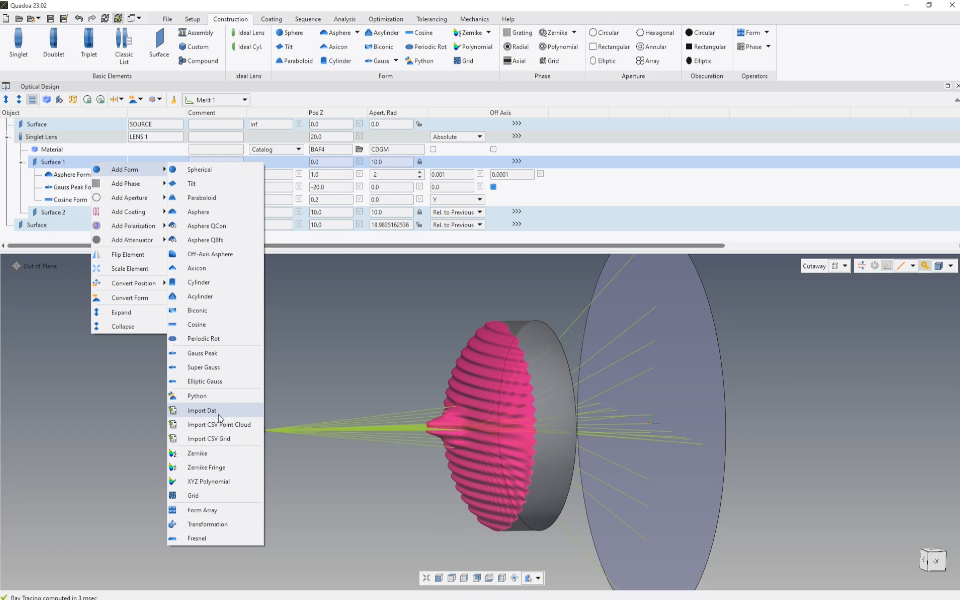
How to build freeform surfaces by stacking shapes such as aspheres, Gaussian peaks and cosine structures.
Includes a video tutorial (3:37 min)
Convert Surface Form Wizard
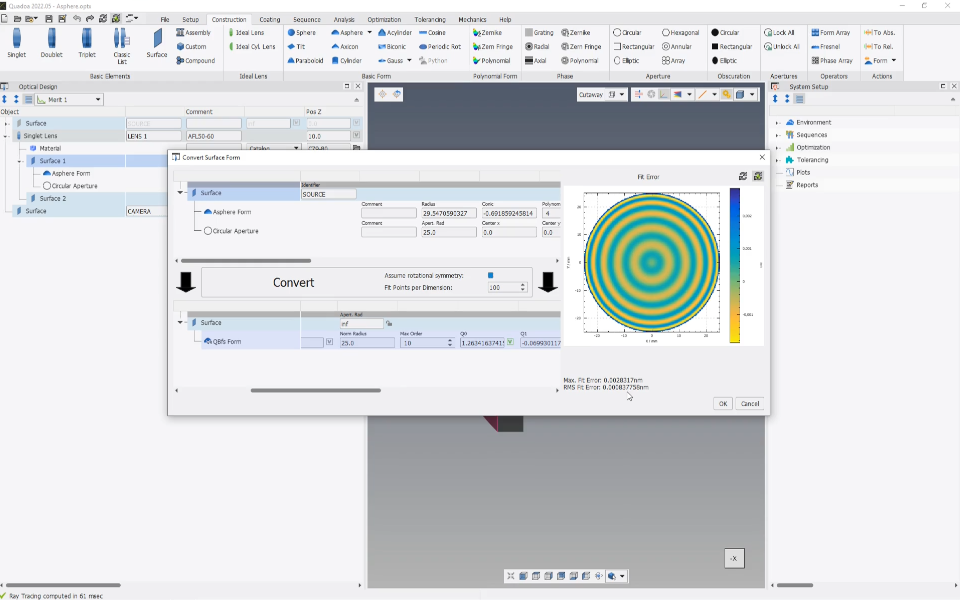
How to convert an asphere into a Qbfs Q-type asphere without changing the surface shape or the optical system.
Includes a video tutorial (3:00 min)
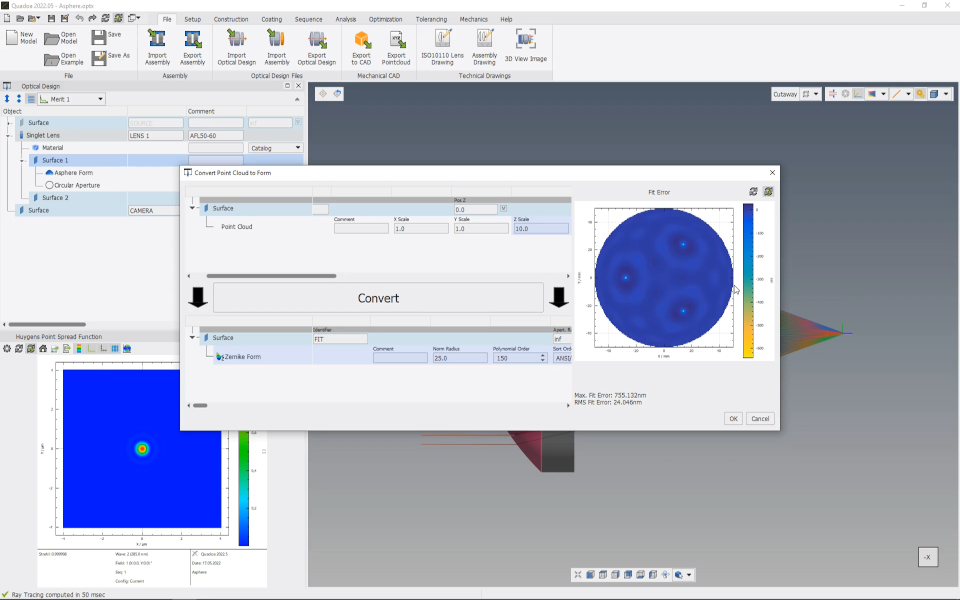
Measurement and simulation data on surfaces
How to add measured data or simulation results, such as mechanical FEM deformations, to a surface.
Includes a video tutorial (2:04 min)
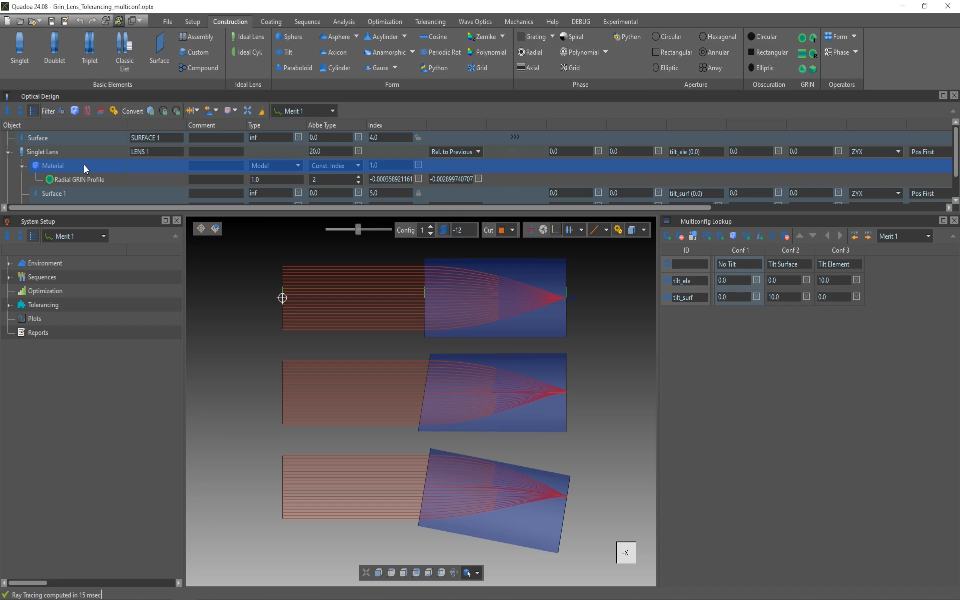
GRIN material property
How to use GRIN material properties for gradient-index lenses, index inhomogeneities and thermal lensing.
Includes a video tutorial (4:52 min)
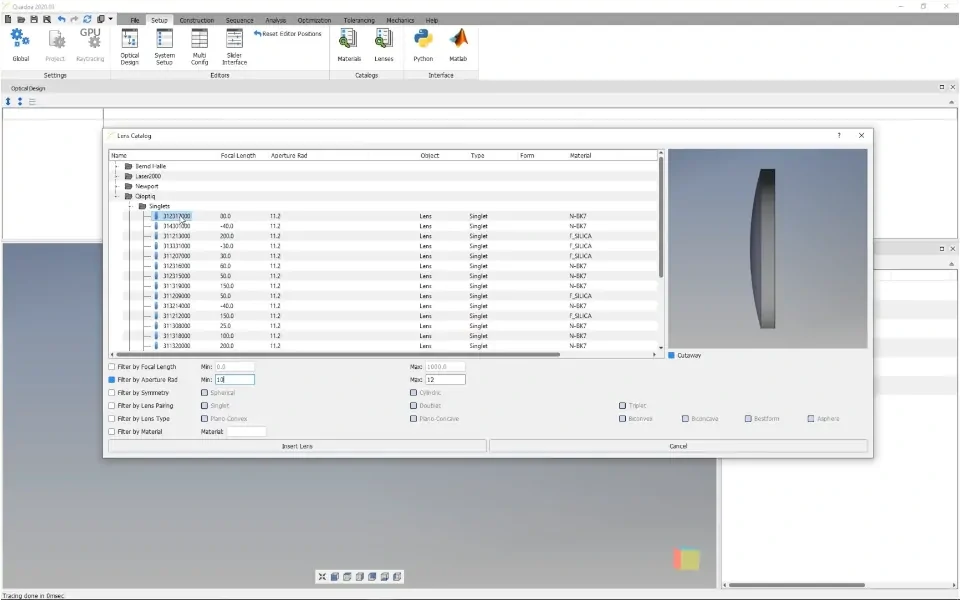
Lens catalog
How to insert stock lenses from the lens catalog and filter the catalog to find the right one.
Includes a video tutorial (1:47 min)
Apertures and lens edges
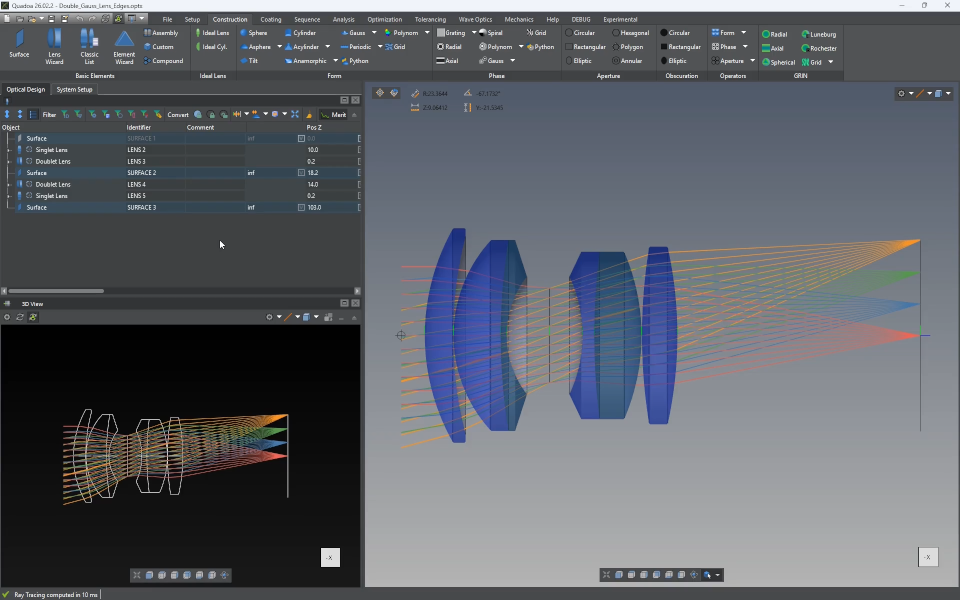
Floating apertures and lens edges
How floating apertures, aperture margins, Link Aperture and Link Configs work, and how lens edges are defined.
New · Includes a video tutorial (5:04 min)
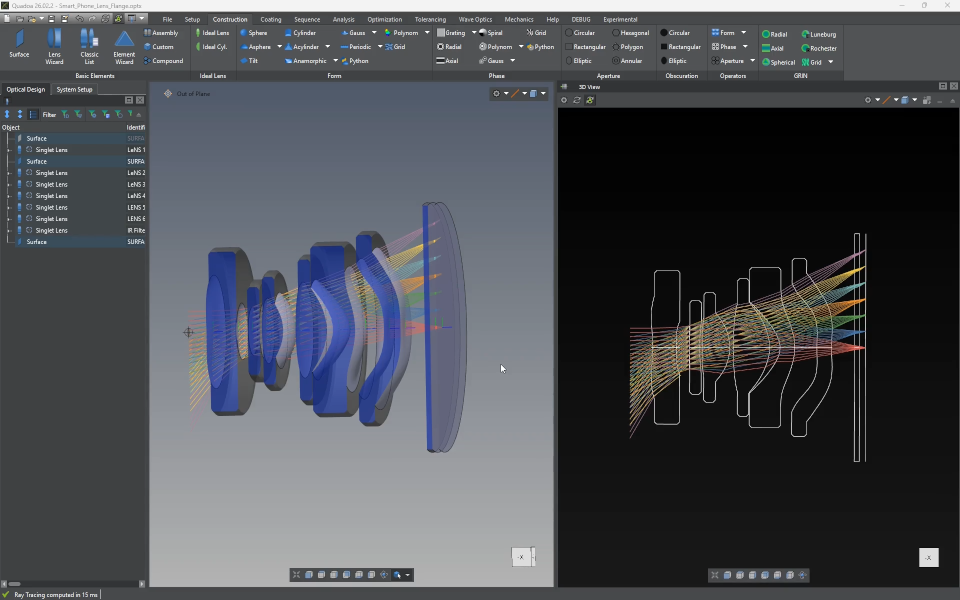
Chamfers and flanges
How to add more complex lens edge geometries, such as chamfers and flanges, to a lens.
New · Includes a video tutorial (5:27 min)
Positions and assemblies
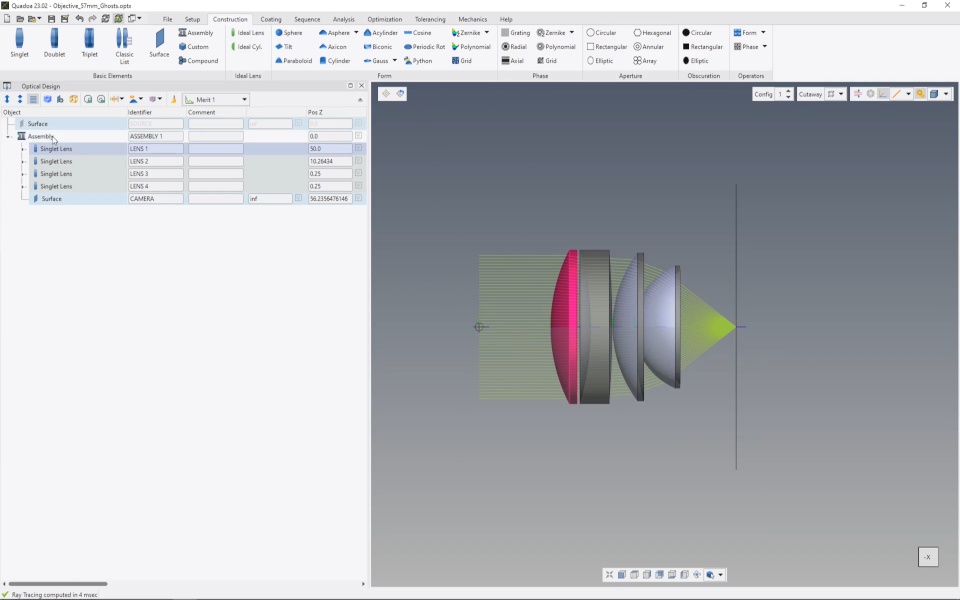
Assemblies
How to group lenses into an assembly with its own coordinate system, to move, rotate and tolerance them together.
Includes a video tutorial (2:22 min)
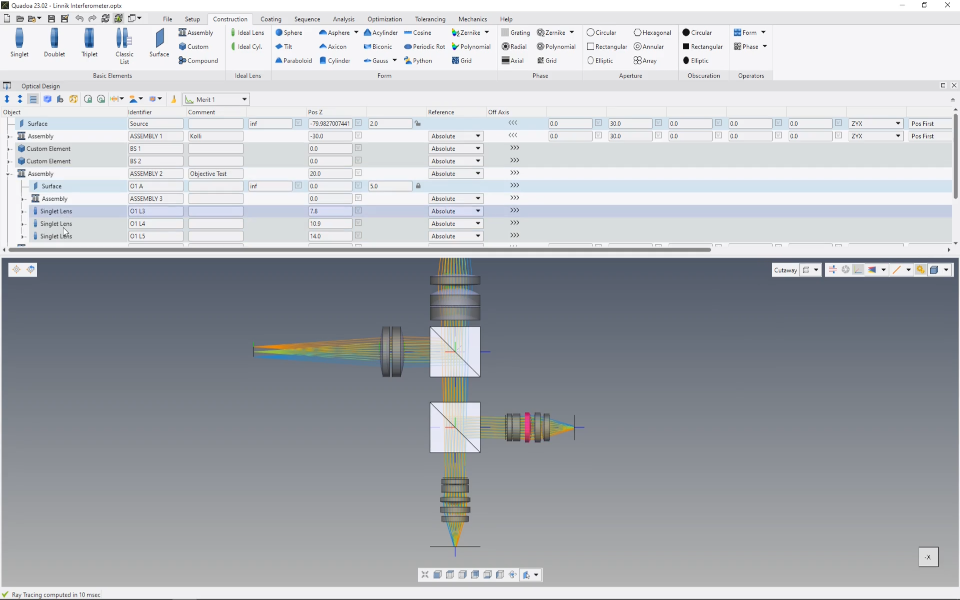
Global and local coordinate systems
The difference between global and local coordinate systems and when to use each.
Includes a video tutorial (1:30 min)
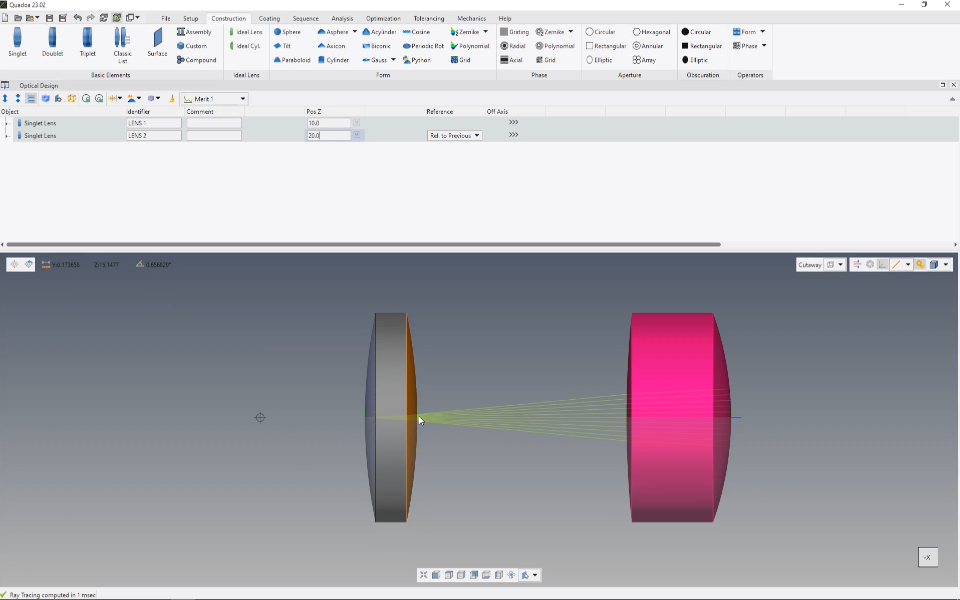
Absolute and relative positions
How elements are positioned absolutely in a coordinate system or relative to the previous element.
Includes a video tutorial (2:23 min)
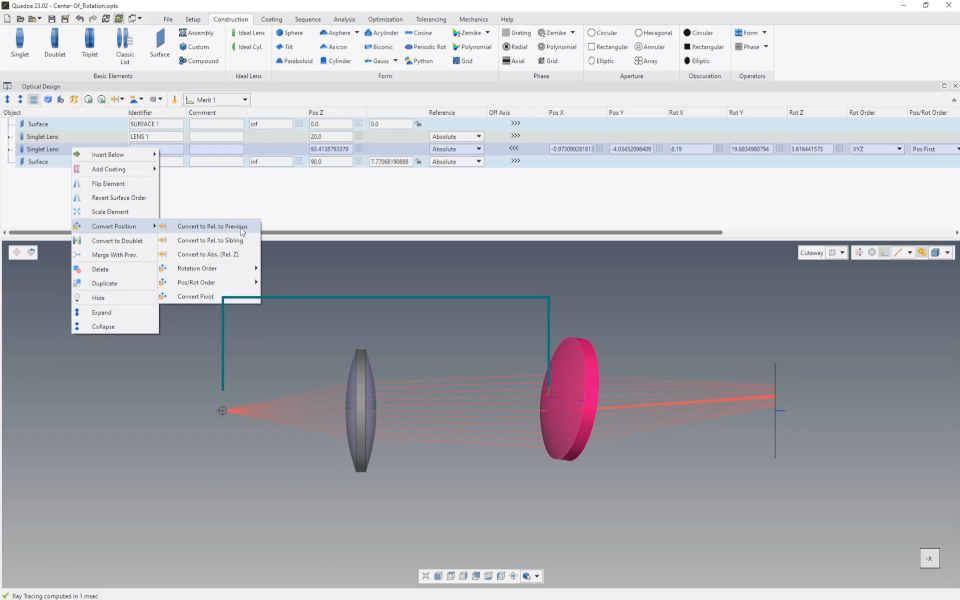
Convert positions and dependencies
How to change the positions and dependencies of elements after the design is finished, without changing the optics.
Includes a video tutorial (3:03 min)
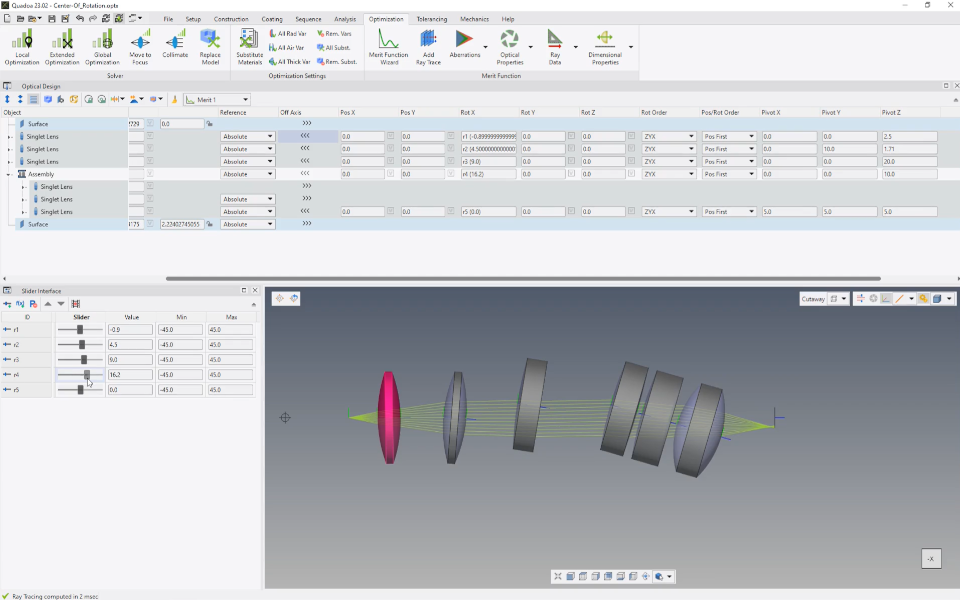
Pivot points
How to set pivot points for elements and assemblies to model mechanical dependencies for realistic tolerancing.
Includes a video tutorial (3:26 min)
Parameters
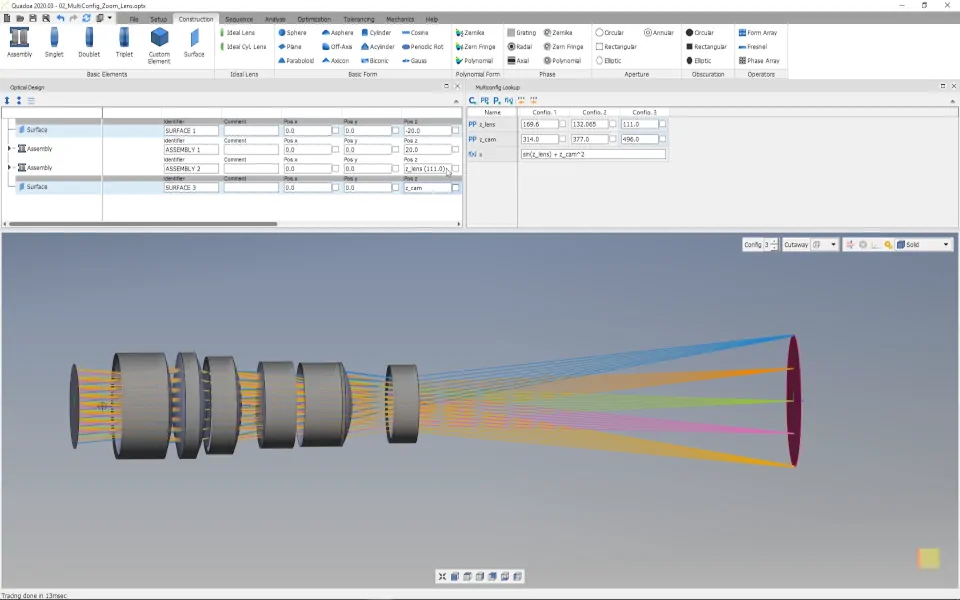
Multiconfig lookup table and parameters
How to use parameters from the Multiconfig Lookup Table instead of fixed values, as a replacement for pickups.
Includes a video tutorial (3:25 min)
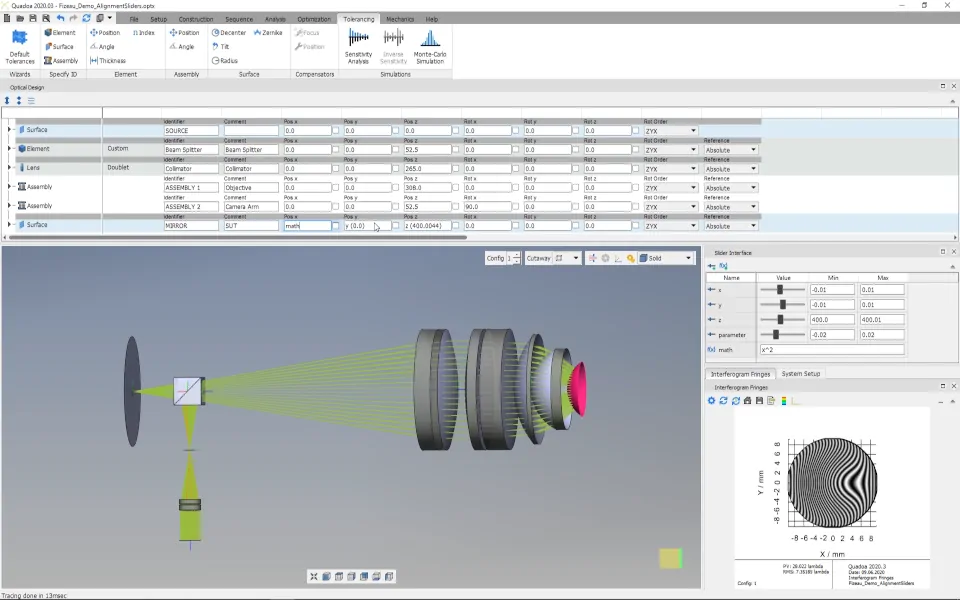
Slider interface and parameters
How to define parameters with a minimum and maximum value and change them interactively with a slider.
Includes a video tutorial (3:29 min)