
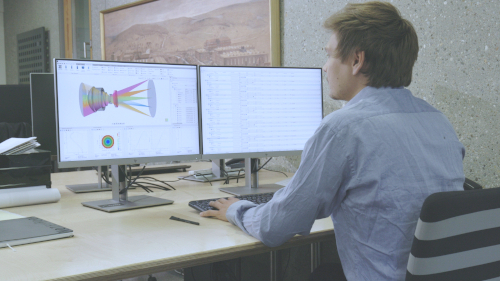


Getting started
These articles take you from an empty file to your first traced lens and show how to work efficiently in the Optical Design Editor and the 3D view. Start here if you are new to QUADOA®.
First steps
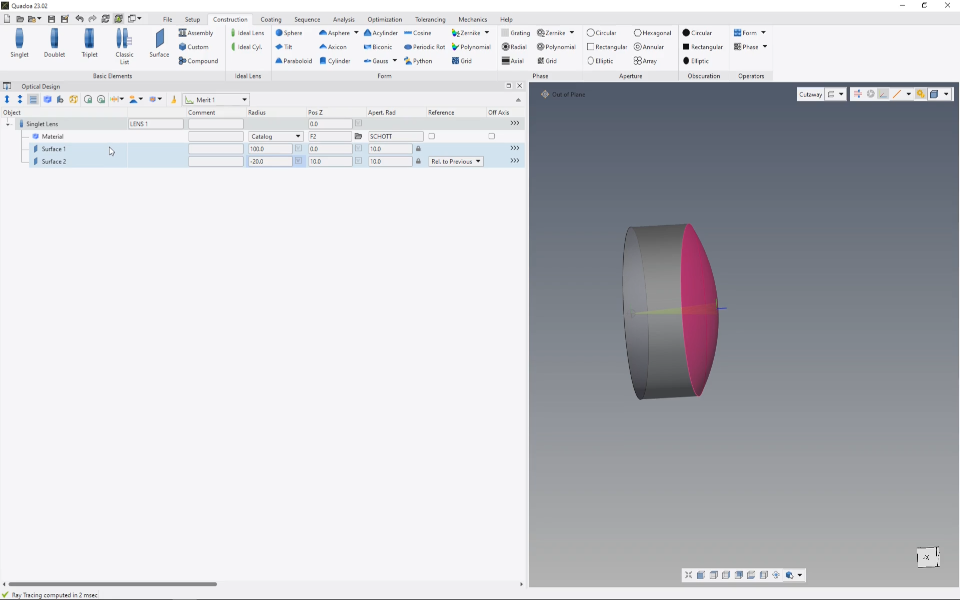
Lens construction
How to create a singlet lens with the Lens Wizard and how its construction is set up in the Optical Design Editor.
Includes a video tutorial (2:18 min)

Ray tracing basics
How to trace light through a singlet lens by adding a source and an imaging surface, and how the auto sequence works.
Includes a video tutorial (3:08 min)
Working with the user interface
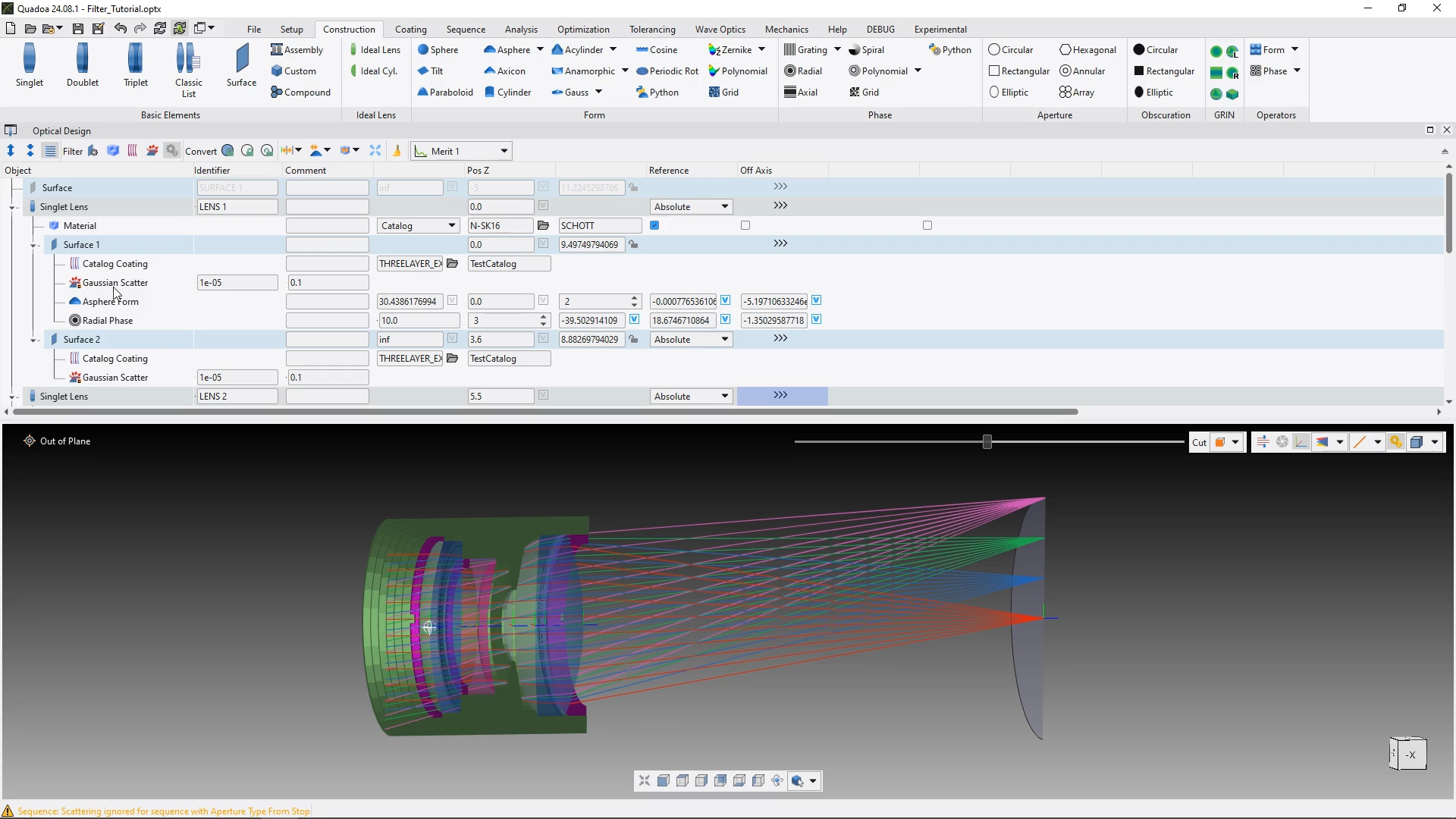
Optical Design Editor filters
How the filters at the top of the Optical Design Editor hide elements you don’t need for the current task.
Includes a video tutorial (2:12 min)
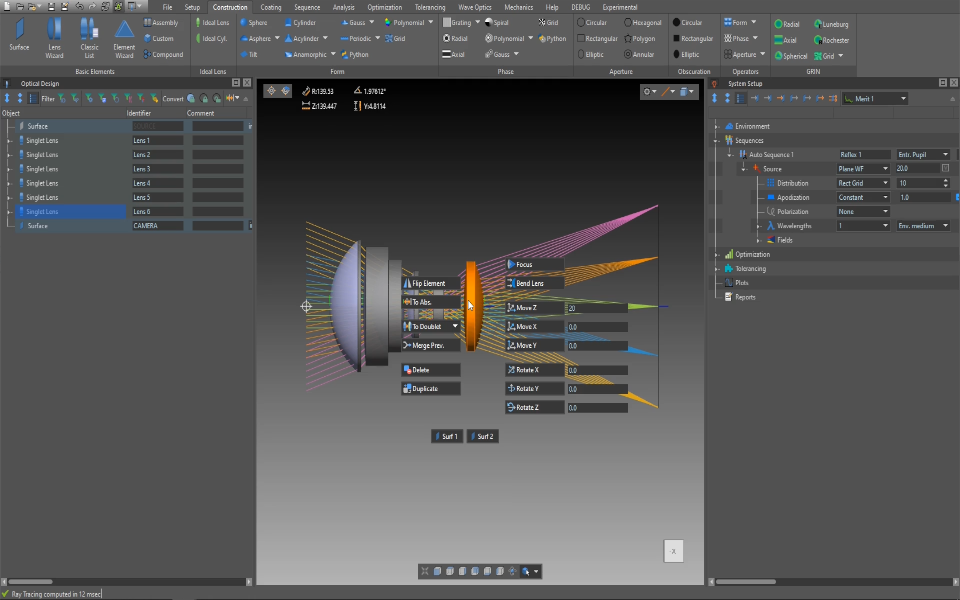
3D-View Editor
How to edit lens and surface parameters and inspect single rays directly in the 3D view.
Includes a video tutorial (5:44 min)
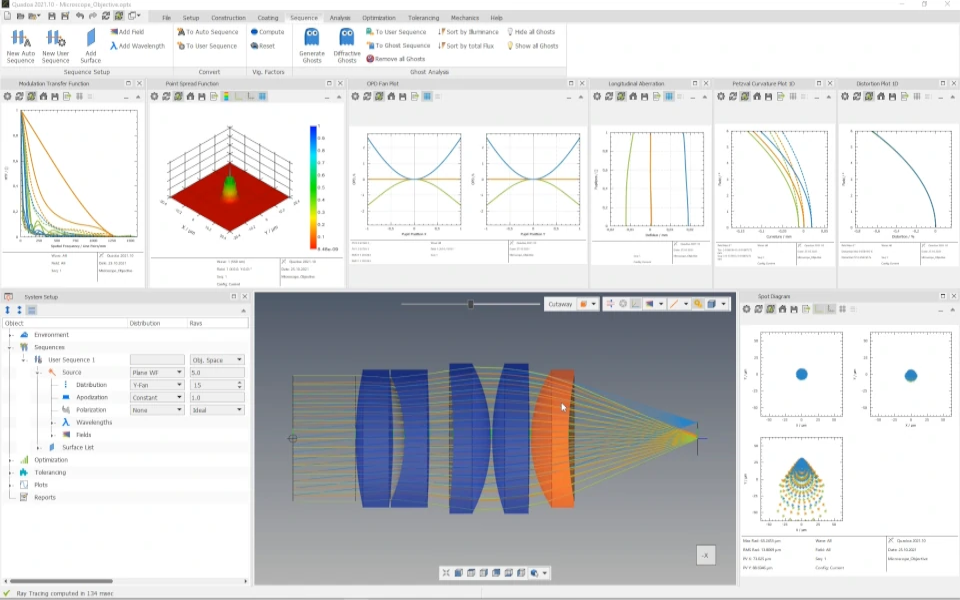
Computing and GUI performance
Settings that increase the computing speed and make the graphical user interface respond faster.
Includes a video tutorial (4:15 min)
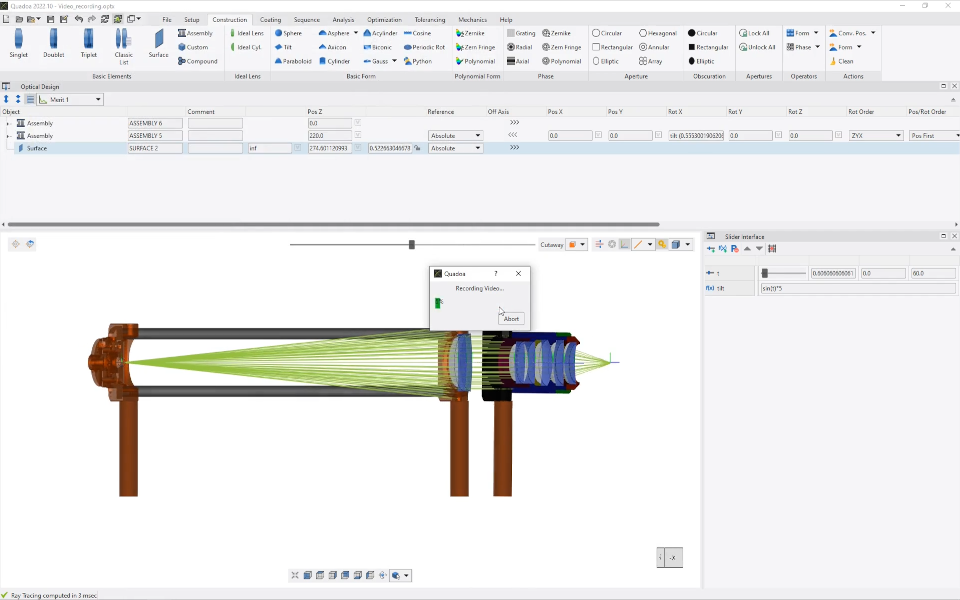
Video recording
How to record a video of an optical system directly in QUADOA® and how to set up the camera movement.
Includes a video tutorial (3:03 min)